Parallel workflows
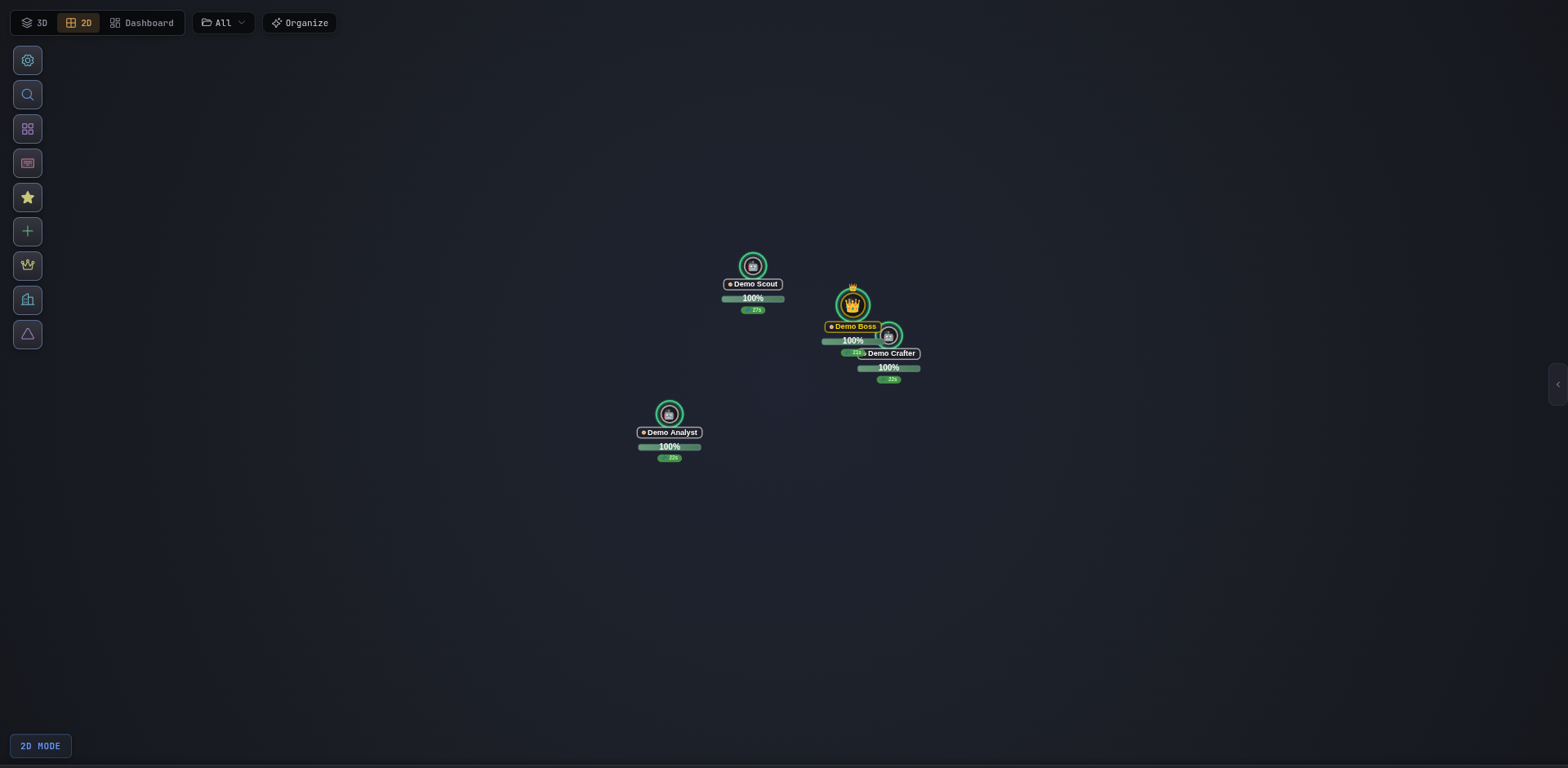
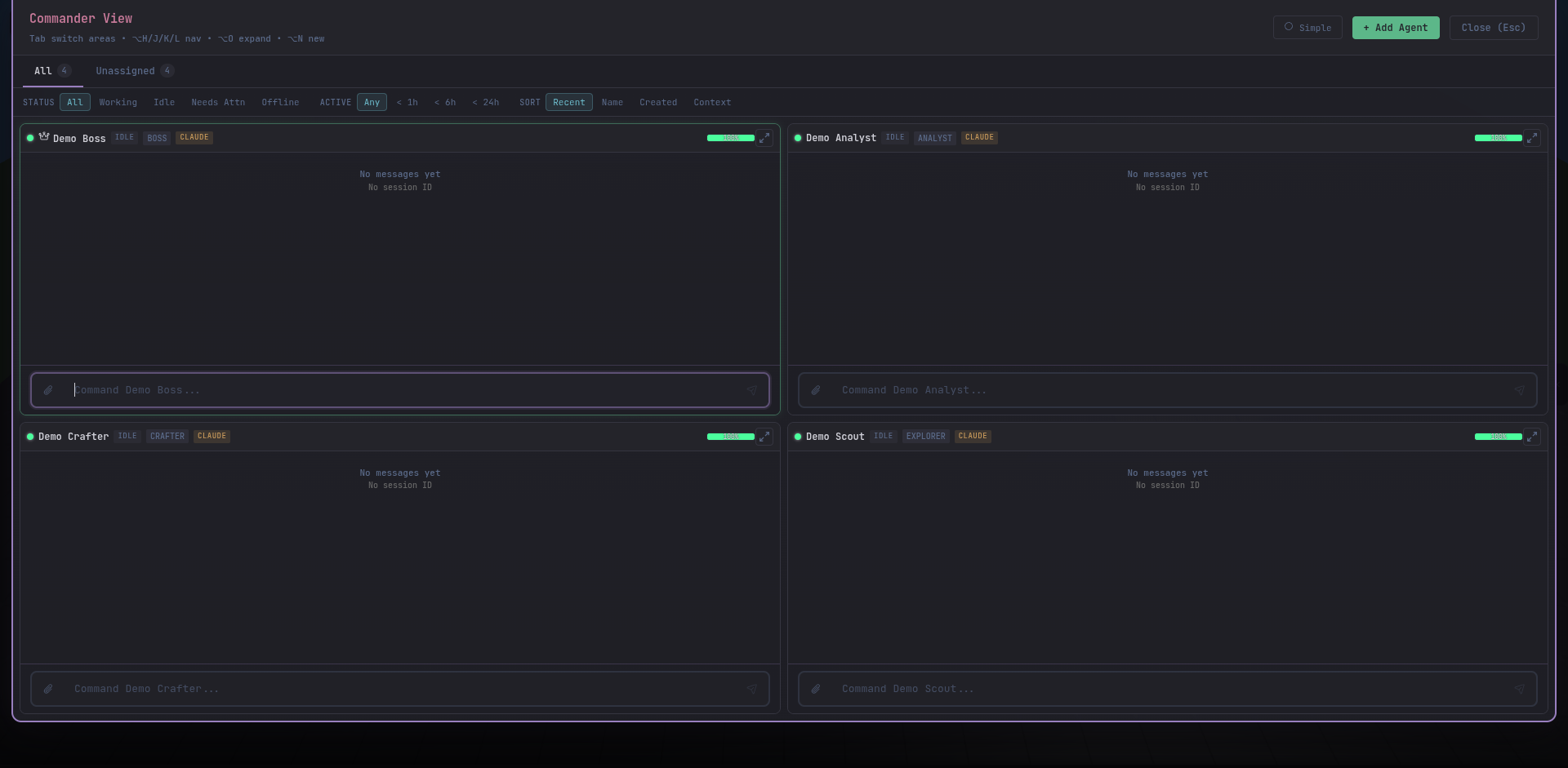
Assign one agent to investigate a bug while another ships a feature and a third runs the test suite. Watch all three simultaneously.

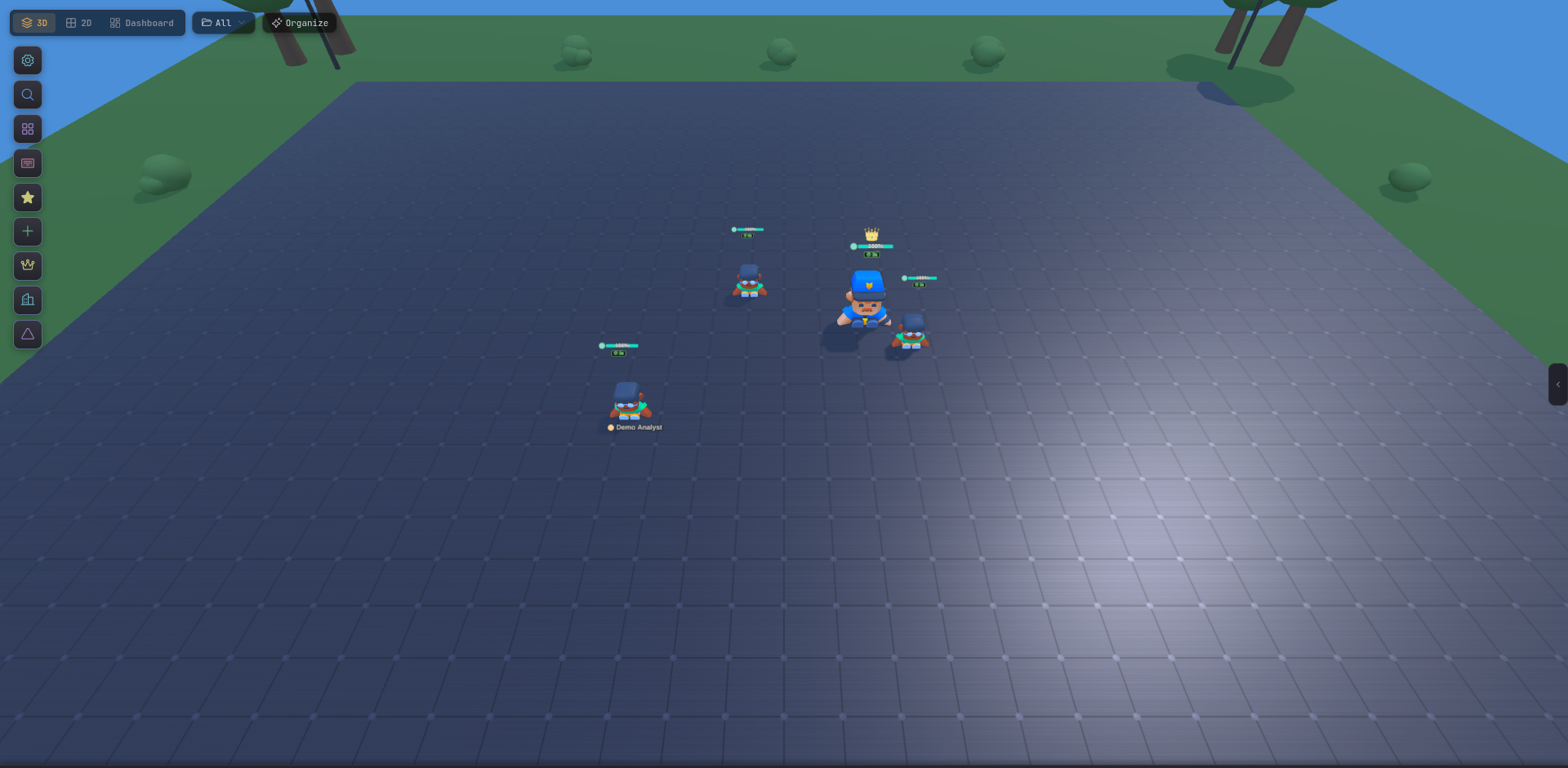
Managing multiple Claude Code terminals is painful: you forget which window has context on what, agents finish without you noticing, and two of them can end up editing the same file. Tide Commander replaces that with a single visual UI — every agent, every status, every output, at a glance.
It looks like a game. It’s a serious developer tool: file explorer with git diffs, conversation history, permission controls, spotlight search, and a command palette — often enough that an IDE becomes optional.
Parallel workflows
Assign one agent to investigate a bug while another ships a feature and a third runs the test suite. Watch all three simultaneously.
Long-running sessions
Sessions persist across restarts. Start on desktop, resume from your phone. No context lost.
Boss delegation
Talk to one boss agent. It picks the right subordinate for the job, dispatches, and summarises progress for you.
Three CLI providers
Claude Code, OpenAI Codex, and OpenCode — all from the same UI, with session resume support for each.
Run directly without installing (recommended):
bunx tide-commanderOr install globally:
npm i -g tide-commander@latesttide-commander startFull install options, prerequisites, and HTTPS setup in the Installation guide.