
Custom Skills
Custom skills extend what agents can do beyond the built-in set. A skill is a plain markdown instruction block paired with an allowedTools list — when assigned to an agent, the content is injected into its system prompt and the tool permissions are granted.
Creating a skill from the UI
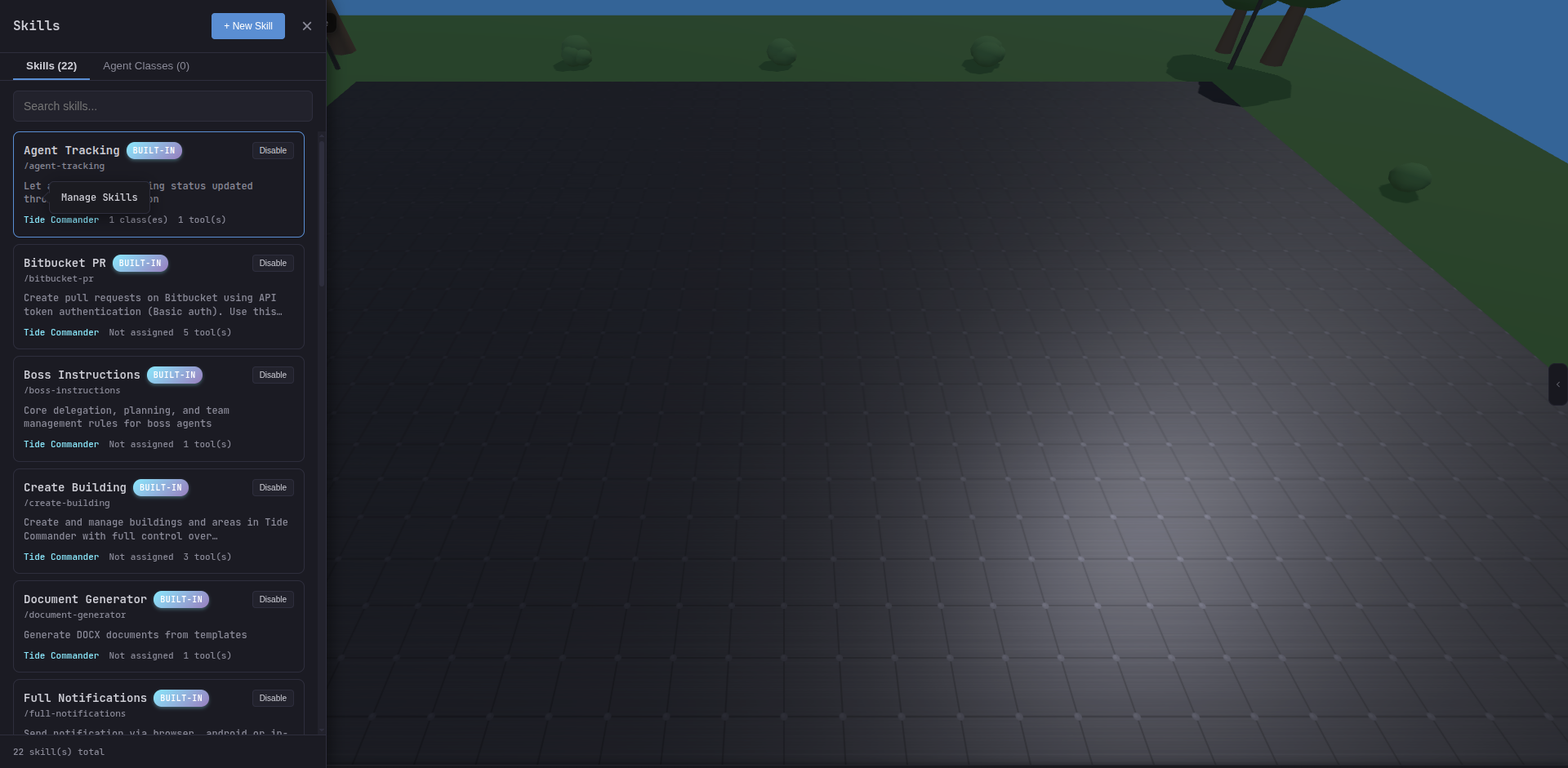
- Open Settings → Manage Skills.
- Click + New Skill.
- Give it a unique slug (e.g.,
my-deploy-helper), a name, and a description. - Write the skill body in the Content field — plain markdown that the agent will read as instructions.
- Set the
allowedToolslist — one entry per line (e.g.,Bash(curl:*),Read,Edit). - Optionally set a model override or context mode.
- Save, then assign to a class or individual agent.
Skill body
The body is injected verbatim into the agent’s system prompt under a named section heading. Write it as a direct briefing to the agent:
# Deployment Helper
Use this skill when deploying to staging or production.
## Steps1. Run `npm run build` first and verify exit code 0.2. Use `{{DEPLOY_TOKEN}}` for authentication — never hardcode it.3. Always notify the team via Slack after a successful deploy:   `curl -X POST {{SLACK_WEBHOOK}} -d '{"text":"Deployed ✓"}'`
## Allowed commandsOnly run deployment commands explicitly listed above.Tool permission format
The allowedTools list controls which tools the agent can call when this skill is active. Each entry maps to a Claude Code tool name, optionally with a command filter:
| Entry | What it allows |
|---|---|
Read | File reads |
Edit | File edits |
Bash | Any bash command |
Bash(git:*) | Only git … commands |
Bash(curl:*) | Only curl … commands |
Bash(npm run:*) | Only npm run … commands |
Multiple entries are combined — an agent with Bash(git:*) and Bash(curl:*) can run git and curl, but not arbitrary shell commands.
Context mode
Skills support two context modes:
inline(default) — instructions run in the agent’s main context. All turns share the same conversation.fork— the skill spins up an isolated sub-agent for its work and returns a result. Useful for expensive operations you don’t want polluting the main context.
Hot reload
Updating a skill’s body triggers an automatic restart for all agents currently using that skill. The CLI session is preserved via --resume, so the agent picks up the updated instructions on its next turn without losing conversation history.
Registering skills from code
Built-in skills are TypeScript files in src/packages/server/data/builtin-skills/. Each exports a BuiltinSkillDefinition object:
export const mySkill: BuiltinSkillDefinition = { slug: 'my-skill', name: 'My Skill', description: 'What this skill does', content: '# My Skill\n\nInstructions here…', allowedTools: ['Bash(curl:*)'], assignedToAll: false,};Add the export to the skills registry file to make it available in the UI. This is the right approach for skills that should ship with Tide Commander itself rather than per-user customisation.