
Areas
An area is a named rectangular region drawn on the battlefield. It has no effect on how agents run — it is purely a visual and organisational tool. Areas let you carve the 3D scene into zones: “Frontend Team”, “Backend”, “Infra”, “QA”, so you can orient at a glance.
What an area does
- Groups agents and buildings that live inside its bounds.
- Labels that group with a visible name on the terrain.
- Hosts a file explorer when you attach a folder to it — the folder becomes the root of a tree you can browse without leaving the UI.
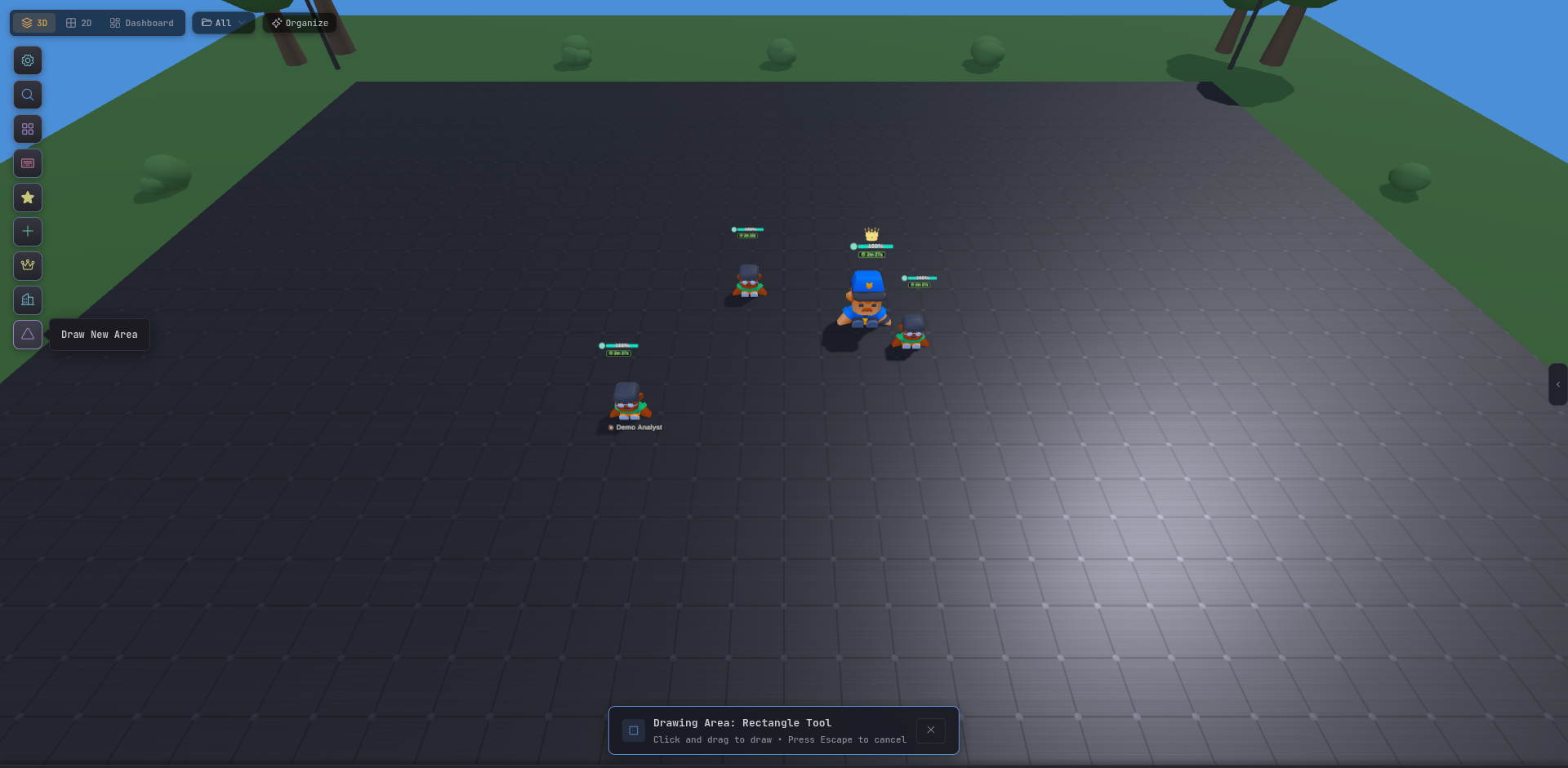
Drawing an area
Press D (or use the toolbar) to enter Draw mode, then click-drag a rectangle on the terrain. After releasing, you name the area and pick an accent color. The area persists across restarts.
Folder attachment
Each area can have one folder attached to it. The attached folder appears as a file tree in the area’s panel, letting you browse code, read files, and open them without switching windows. This is especially useful when each area maps to a different repo or service — “Backend” has /home/user/api/ attached, “Frontend” has /home/user/app/ attached.
Areas vs buildings
| Area | Building | |
|---|---|---|
| Visual | Flat rectangle on terrain | 3D object on terrain |
| Purpose | Group & label | Service integration |
| Interaction | File explorer | Log viewer, query editor, container control |
Areas and buildings work together: you might draw an “Infra” area and place a Server building and a Docker building inside it.