
Ad-hoc shell
git, ls, grep, docker logs — the short stuff you don’t want to route through an agent.
The Guake Terminal is a drop-down shell panel — named for the Linux Guake terminal that pioneered the pattern. It slides down from the top of the window, takes the keystrokes you throw at it, and slides back up when you’re done. No window switching, no spawning a new agent just to run git status.
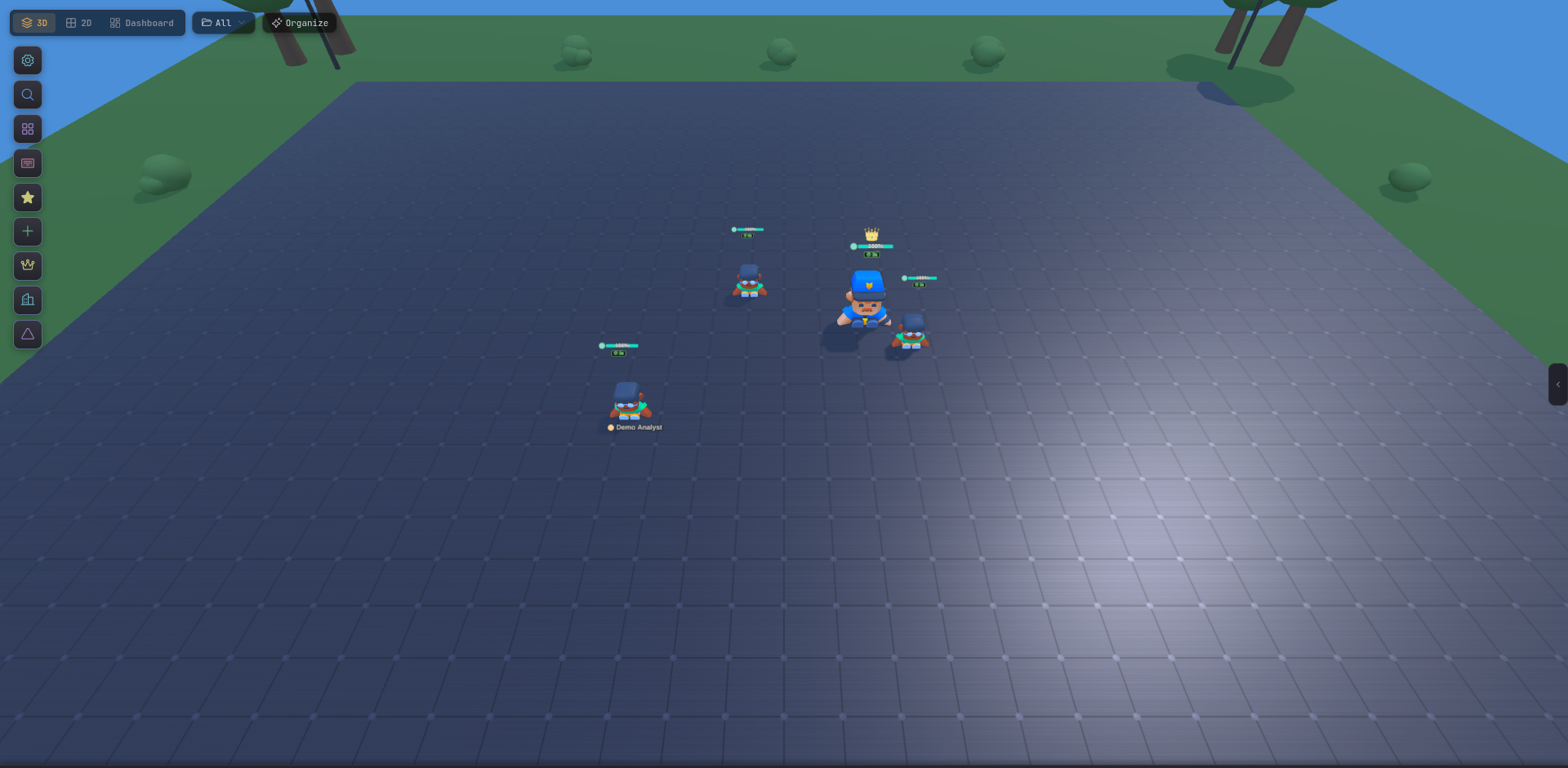
Press the dedicated Guake shortcut (configurable in Settings → Keyboard Shortcuts; default uses the backtick / grave key). The panel animates down over whatever view you’re currently using — 3D, 2D, Dashboard, or Commander. Press the shortcut again (or Esc) to hide it.
The terminal persists its session while hidden, so a long-running command keeps going, and its scrollback survives re-opens.
Ad-hoc shell
git, ls, grep, docker logs — the short stuff you don’t want to route through an agent.
Diagnose builds
Tail a build log or run a one-off npm run test while your agents work uninterrupted on other areas.
Inspect working dirs
Jump into any agent’s cwd and poke around the filesystem — perfect for confirming what an agent actually wrote.
Zero context tax
The terminal is your shell, not a model session. It doesn’t consume any agent’s context window.
cd into that agent’s working directory, inspect git status yourself.