
Classes
Classes bundle a 3D model, default instructions, and skills into a reusable template. See Classes.
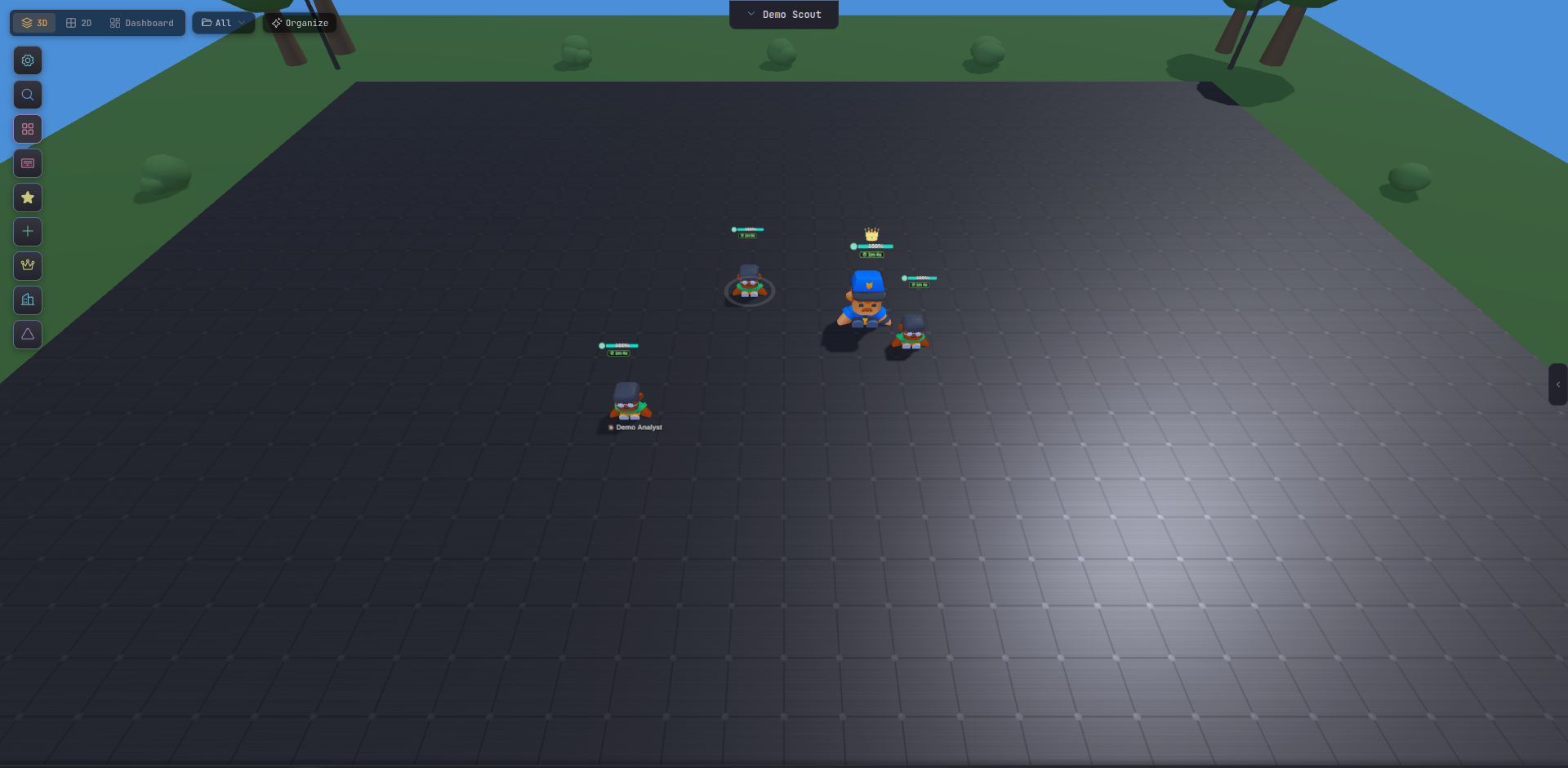
An agent is a running CLI process managed by Tide Commander. When you spawn one, the server forks a real subprocess — claude --output-format stream-json, codex exec --experimental-json, or opencode run --format json — and streams its output back to the UI in real time. The character you see on the battlefield is a live handle to that process.
Every agent carries a fixed set of properties from the moment it’s spawned:
| Property | What it is |
|---|---|
| ID | Short random string (abc123). Used by the API and boss delegation. |
| Name | Human-readable label you assign. |
| Working directory | The cwd the subprocess runs in. File reads and writes happen relative to this path. |
| Provider | Which CLI is running: claude, codex, or opencode. |
| Class | Visual identity + default instructions + default skills. |
| Session ID | The underlying CLI session. Survives server restarts and can be resumed. |
| Context meter | How much of the model’s context window is currently consumed (the “mana bar”). |
An agent moves through four states:
stateDiagram-v2 [*] --> spawning : + New Agent spawning --> idle : process ready idle --> working : command sent working --> idle : turn complete working --> error : process died / watchdog error --> idle : auto-restart idle --> [*] : deletedTide Commander’s watchdog monitors the subprocess. If the tmux session dies unexpectedly, it auto-restarts the agent (up to three attempts) and resumes the same session so no context is lost.
CLI sessions are stored on disk by the provider — Claude Code at ~/.claude/projects/, Codex similarly. When an agent restarts, Tide Commander passes --resume <sessionId> so the model receives the full prior conversation. You can close the UI, reboot the machine, and resume exactly where you left off.
As a conversation grows, the model’s context window fills. The context meter in the agent card and inspector shows the percentage consumed. When an agent approaches its limit, use the Snapshot feature to preserve the conversation and start a fresh session.