
Solo development on your machine
Bypass — full speed, no interruptions. You are the safety net.
Every agent in Tide Commander operates in one of two permission modes. You choose the mode when spawning and can change it later without respawning.
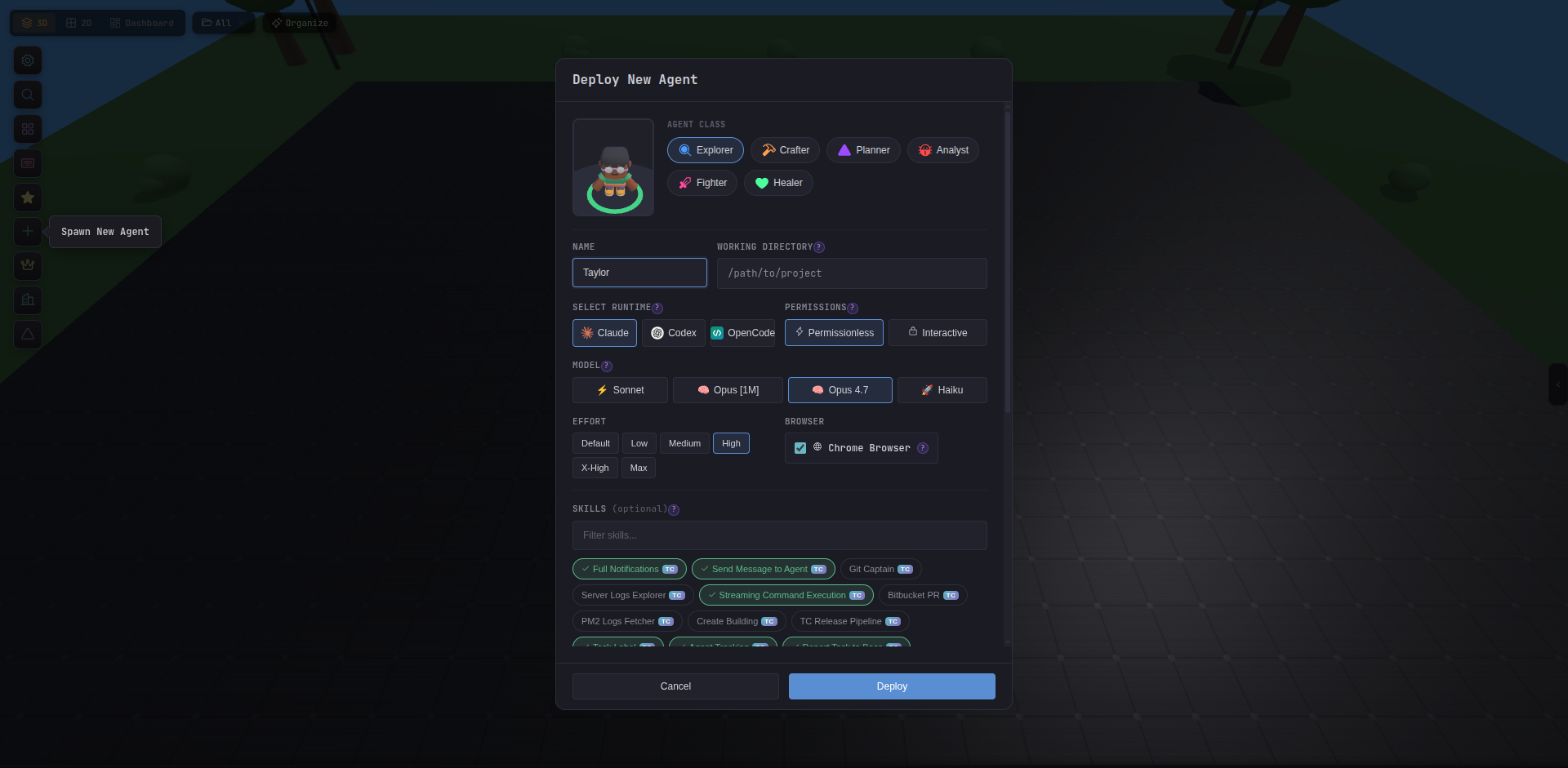
Agents run with --dangerously-skip-permissions, which allows them to execute any tool — Bash, Edit, Write, Read, anything — without asking for approval. This is the default because it is the fastest way to work with trusted agents on your own machine.
Use Bypass when:
In Interactive mode, the agent uses a hook-based approval system. Read-only tools are auto-approved; potentially dangerous tools pause and ask you before proceeding.
These tools are always permitted without a prompt:
| Tool | Purpose |
|---|---|
Read, Glob, Grep | File reading and searching |
Task, TaskOutput | Agent task management |
WebFetch, WebSearch | Web content fetching |
TodoWrite | Task list management |
AskUserQuestion | User interaction |
EnterPlanMode, ExitPlanMode, Skill | Planning tools |
These tools pause and show a permission request in the agent inspector:
| Tool | Why it is gated |
|---|---|
Bash | Shell command execution — can run anything |
Edit, Write | File modifications |
NotebookEdit | Jupyter notebook edits |
When a permission request appears, you can approve, deny, or approve and remember.
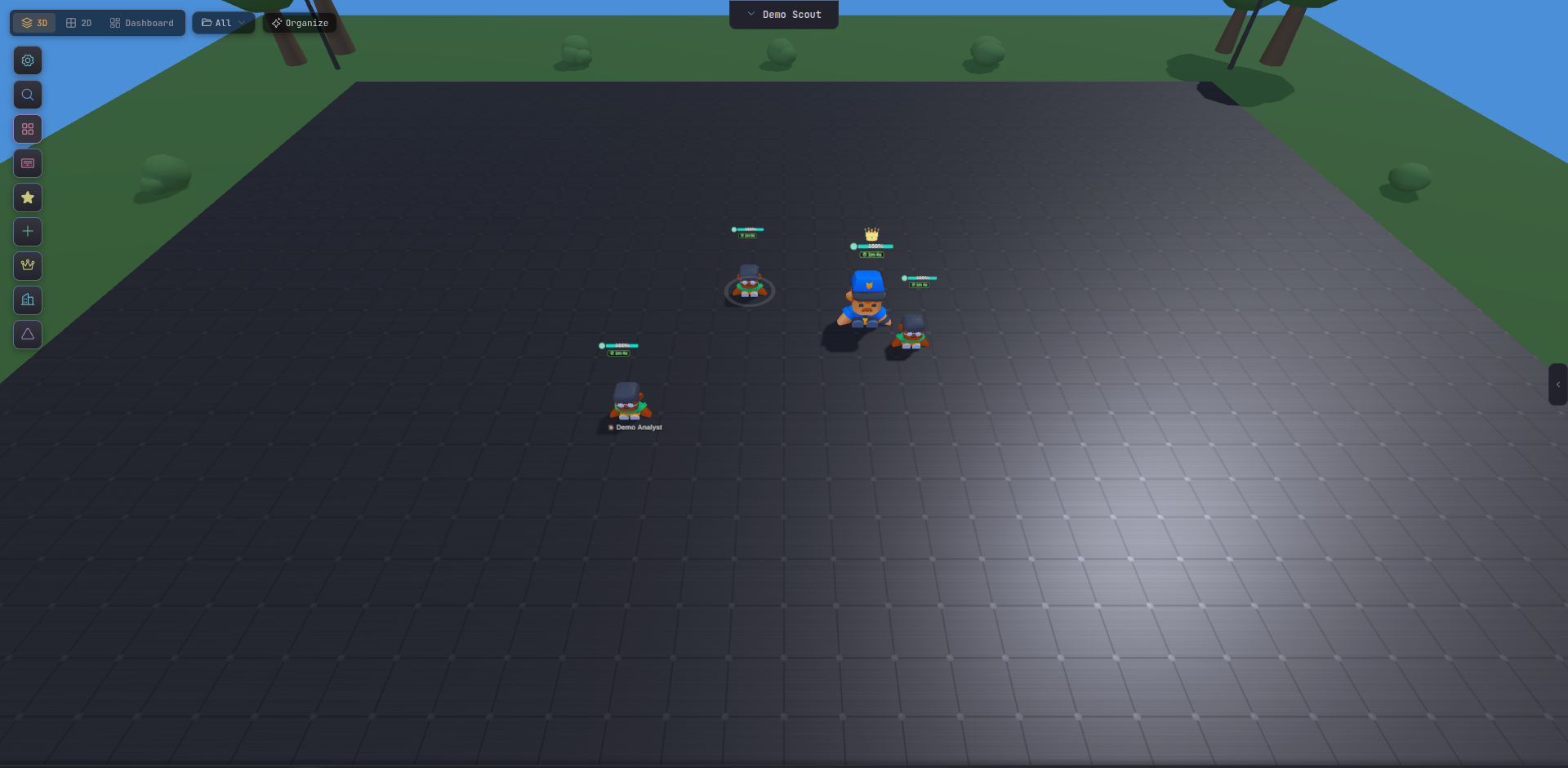
Checking Remember this on a permission request creates a persistent pattern so the same type of action is auto-approved in future:
/project/src/file.ts auto-approves future edits to any file under /project/src/.npm test auto-approves any future npm command.Remembered patterns are stored in:
~/.tide-commander/remembered-permissions.jsonTo clear all remembered patterns, delete that file or use the API:
curl -s -X DELETE http://localhost:5174/api/agents/permissions/remembered \ -H "X-Auth-Token: TOKEN"Select the mode in the Spawn Agent modal before clicking Spawn.
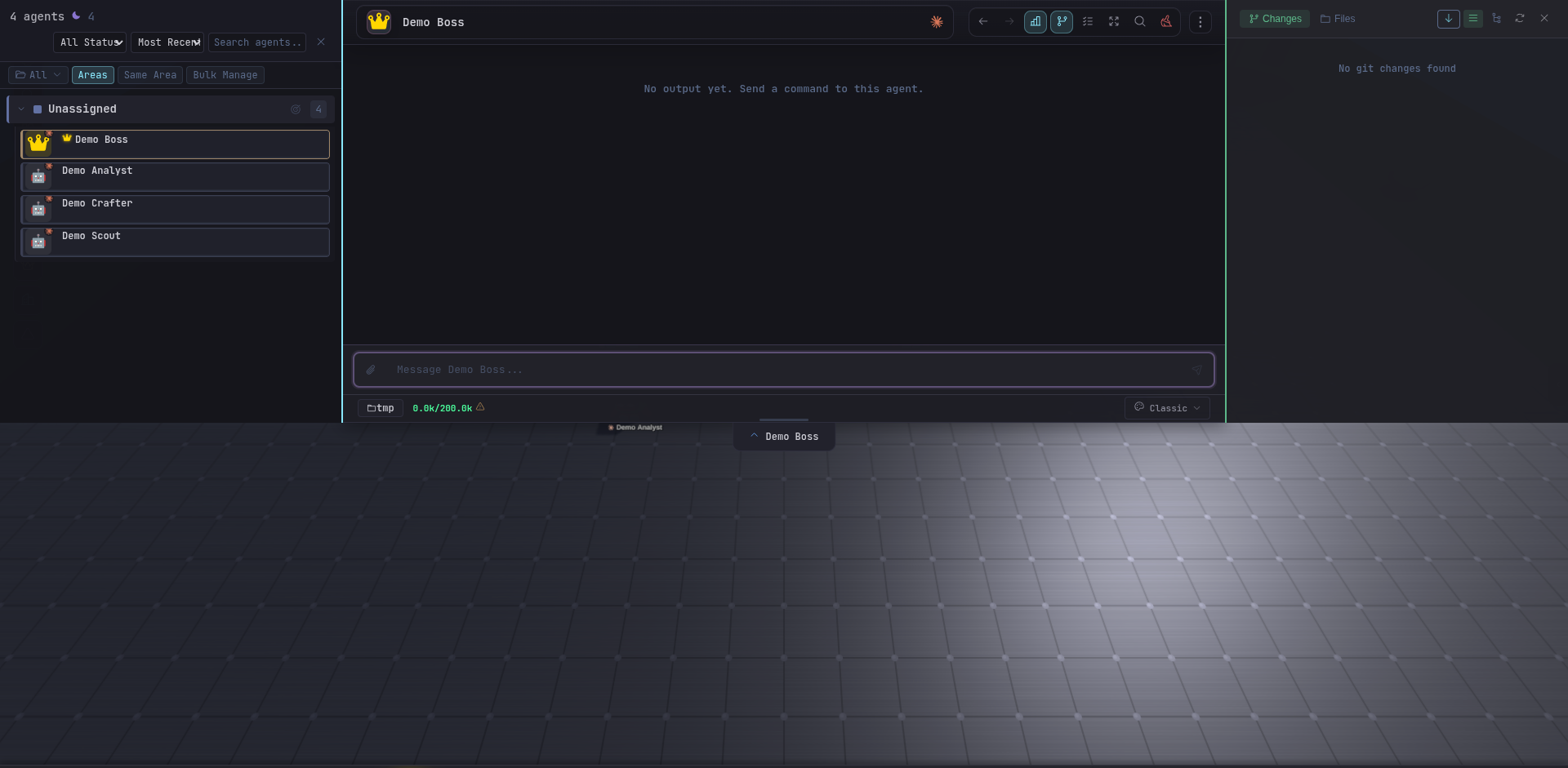
Open the agent’s Edit modal (pencil icon or right-click the agent), change the Permission Mode dropdown, and save.
Solo development on your machine
Bypass — full speed, no interruptions. You are the safety net.
Shared or remote environments
Interactive — approve shell commands and file writes manually. Combine with HTTPS & Auth.
Long autonomous tasks
Bypass with a narrow working directory. Scope the agent’s cwd to limit blast radius.
Sensitive codebases
Interactive — let the agent explore freely but gate all writes. Use Remembered Patterns to build up an allowlist as you go.