
Git Captain
Git workflow helpers: branch creation, commits, PR authoring, and conflict resolution instructions.
Skills are plugins with defined tool permissions that extend agent behaviour. Each skill injects a named section into an agent’s system prompt and declares which tools the agent may call within that context. Skills can be assigned to individual agents or to entire classes.
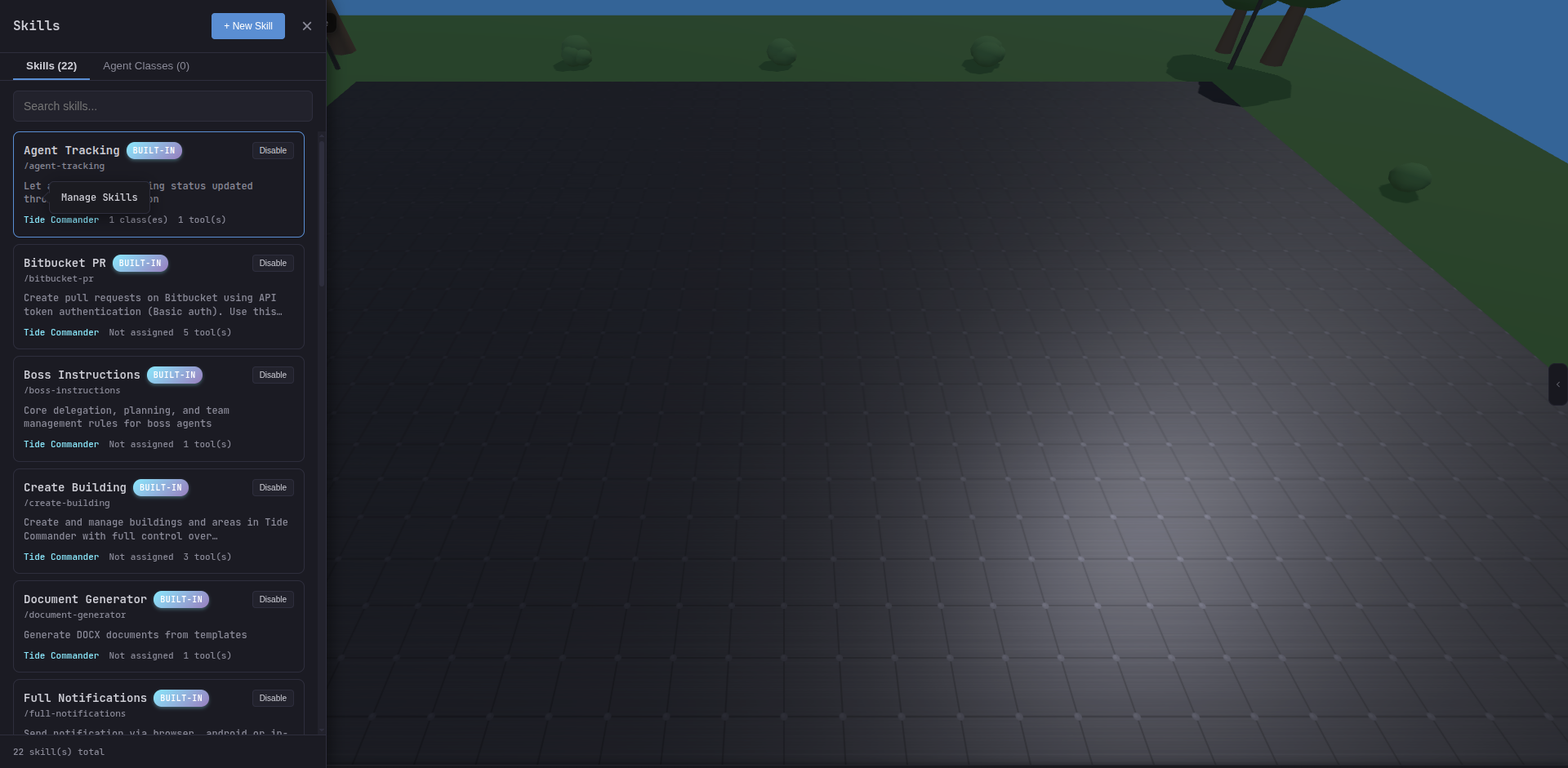
When Tide Commander builds the system prompt for an agent it appends the content of every skill assigned to that agent (or to its class). Skills are plain text instructions paired with an allowedTools list that controls which Claude Code tool calls are permitted.
Tide Commander ships with a set of always-available built-in skills maintained in src/packages/server/data/builtin-skills/. Skills marked with * are assigned to all agents by default; others are class-specific or opt-in.
Slug: task-label · Default: all agents
Forces agents to PATCH a 1–5 word task label to the Tide Commander API as the very first tool call of every task. The label appears on the agent’s card in the 3D/2D scene so you can see at a glance what each agent is doing.
curl -s -X PATCH http://localhost:5174/api/agents/AGENT_ID \ -H "Content-Type: application/json" -H "X-Auth-Token: TOKEN" \ -d '{"taskLabel":"Fix auth bug"}'The skill enforces strict ordering: no Read, Grep, Glob, Bash, Agent, or any other tool call may precede the label PATCH.
Slug: agent-tracking · Default: all agents
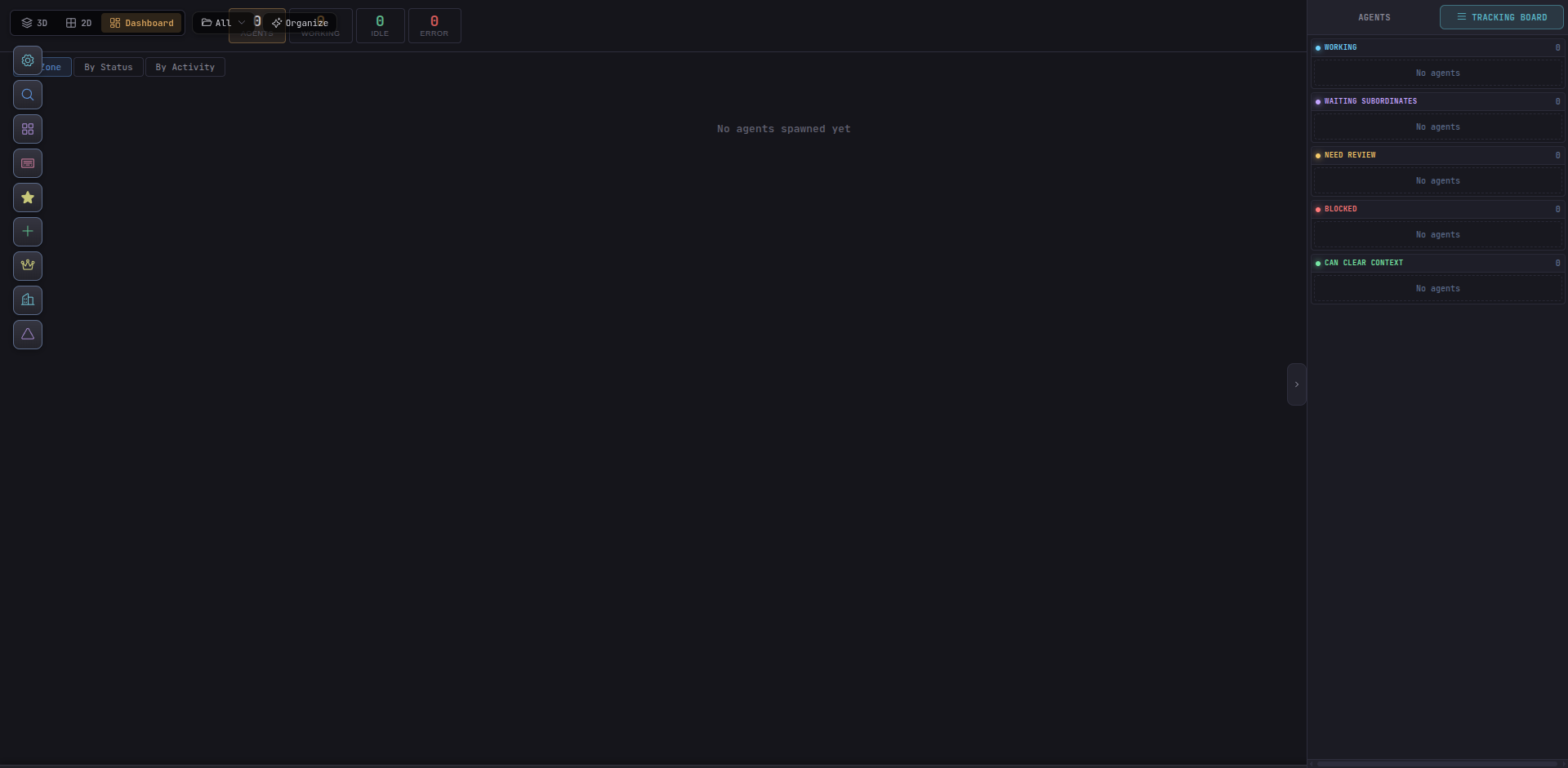
Requires agents to PATCH a trackingStatus value at the end of every response turn. The status populates the Tracking Board column for that agent.
| Status | Meaning |
|---|---|
need-review | Finished — awaiting your review |
blocked | Cannot proceed; needs input or a dependency |
can-clear-context | Fully done; safe to compact context |
waiting-subordinates | Boss waiting on delegated work |
curl -s -X PATCH http://localhost:5174/api/agents/AGENT_ID \ -H "Content-Type: application/json" -H "X-Auth-Token: TOKEN" \ -d '{"trackingStatus":"need-review","trackingStatusDetail":"Auth refactor ready for review"}'Slug: full-notifications · Default: configurable
Sends a push notification (browser, in-app, or Android) when a task completes, a plan is ready for review, or the agent hits a blocker.
curl -s -X POST http://localhost:5174/api/notify \ -H "Content-Type: application/json" -H "X-Auth-Token: TOKEN" \ -d '{"agentId":"AGENT_ID","title":"Task Complete","message":"Auth module refactored"}'Notification triggers: task completed, plan ready for review, blocking error, user input required.
Slug: send-message-to-agent · Default: configurable
Lets agents communicate directly with each other — scouts reporting to builders, builders coordinating on shared files, or any agent-to-agent handoff.
curl -s http://localhost:5174/api/agents/simple \ -H "X-Auth-Token: TOKEN"curl -s -X POST http://localhost:5174/api/agents/TARGET_ID/message \ -H "Content-Type: application/json" -H "X-Auth-Token: TOKEN" \ -d @- <<'EOF'{"message": "Message from Scout Alpha (abc123): Auth module ready, please integrate."}EOFAlways prefix the message with your name and ID so the receiver has full context.
Slug: boss-instructions · Default: Boss class agents
Provides the full delegation, planning, and team-management ruleset for Boss agents. This skill is automatically assigned when you spawn an agent with the Boss class.
Key behaviours encoded in this skill:
work-plan code fence rendered by the UI as a visual task board.analysis-request fence delegates codebase exploration to scouts.Git Captain
Git workflow helpers: branch creation, commits, PR authoring, and conflict resolution instructions.
Streaming Exec
Routes long-running commands (builds, tests, Docker) through /api/exec for live output streaming in the agent terminal.
PM2 / Server Logs
Read and tail PM2-managed process logs or raw server logs; used by the Server building panel.
Report Task to Boss
Structured completion reporting so subordinates can notify their boss when a delegated task finishes.
Create Building
Instructions for programmatically adding buildings (server, database, Docker, link, folder) to the scene via the API.
Workflow Builder / Designer
Tooling for constructing and triggering multi-step workflow automation from inside an agent session.
Computer Use
Opt-in control of the local Linux desktop through windows, accessibility trees, screenshots, semantic actions, pointer input, and keyboard input.
You can author your own skills and register them from the Manage Skills screen.
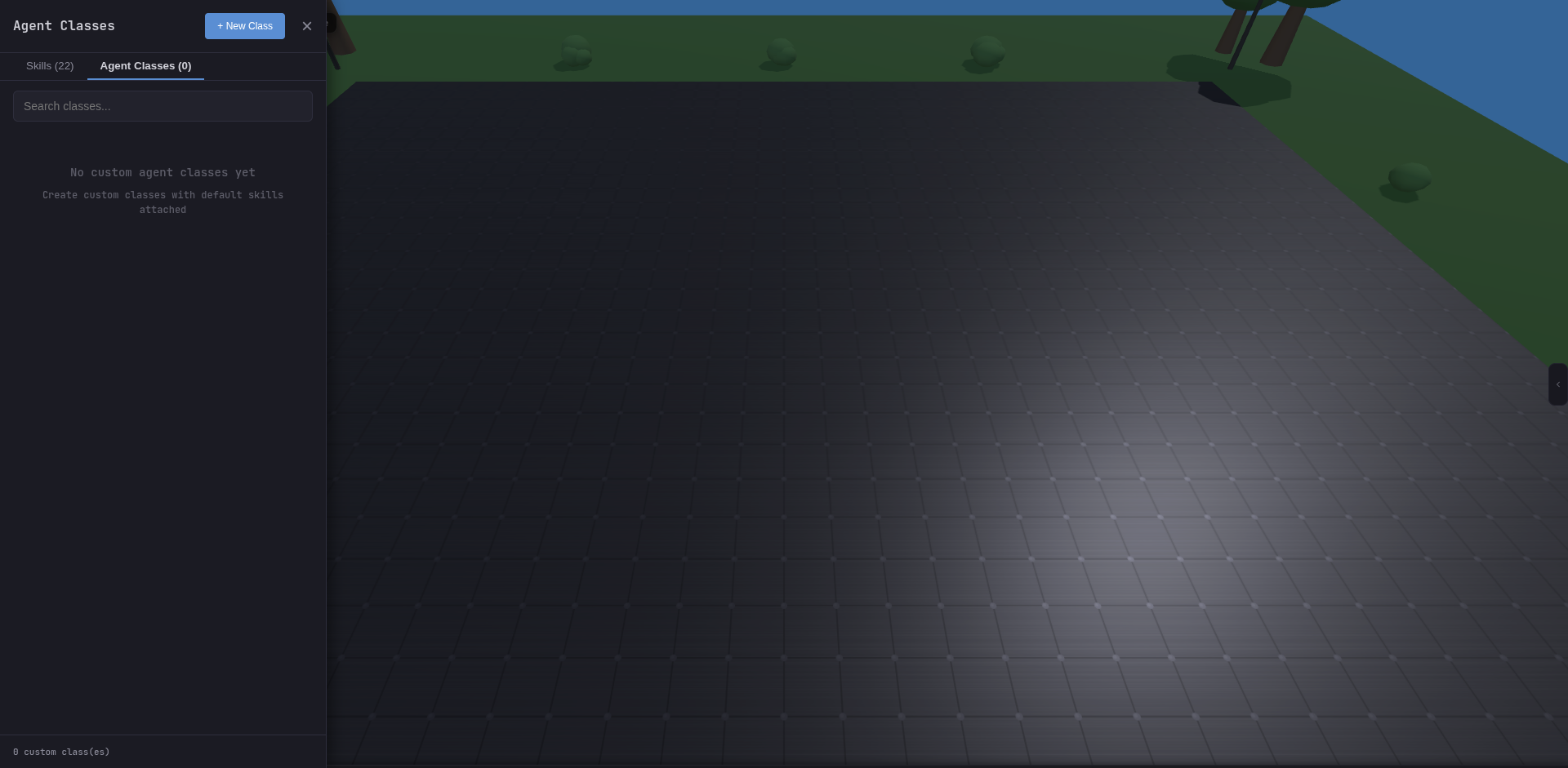
allowedTools list.See Custom Skills for the full TypeScript authoring guide and the BuiltinSkillDefinition type shape.
Skills can be assigned at two levels: