Select & command
Click an agent to select it, right-click the ground to move it, drag-select to group. Typed commands in the inspector are sent straight to the underlying CLI.
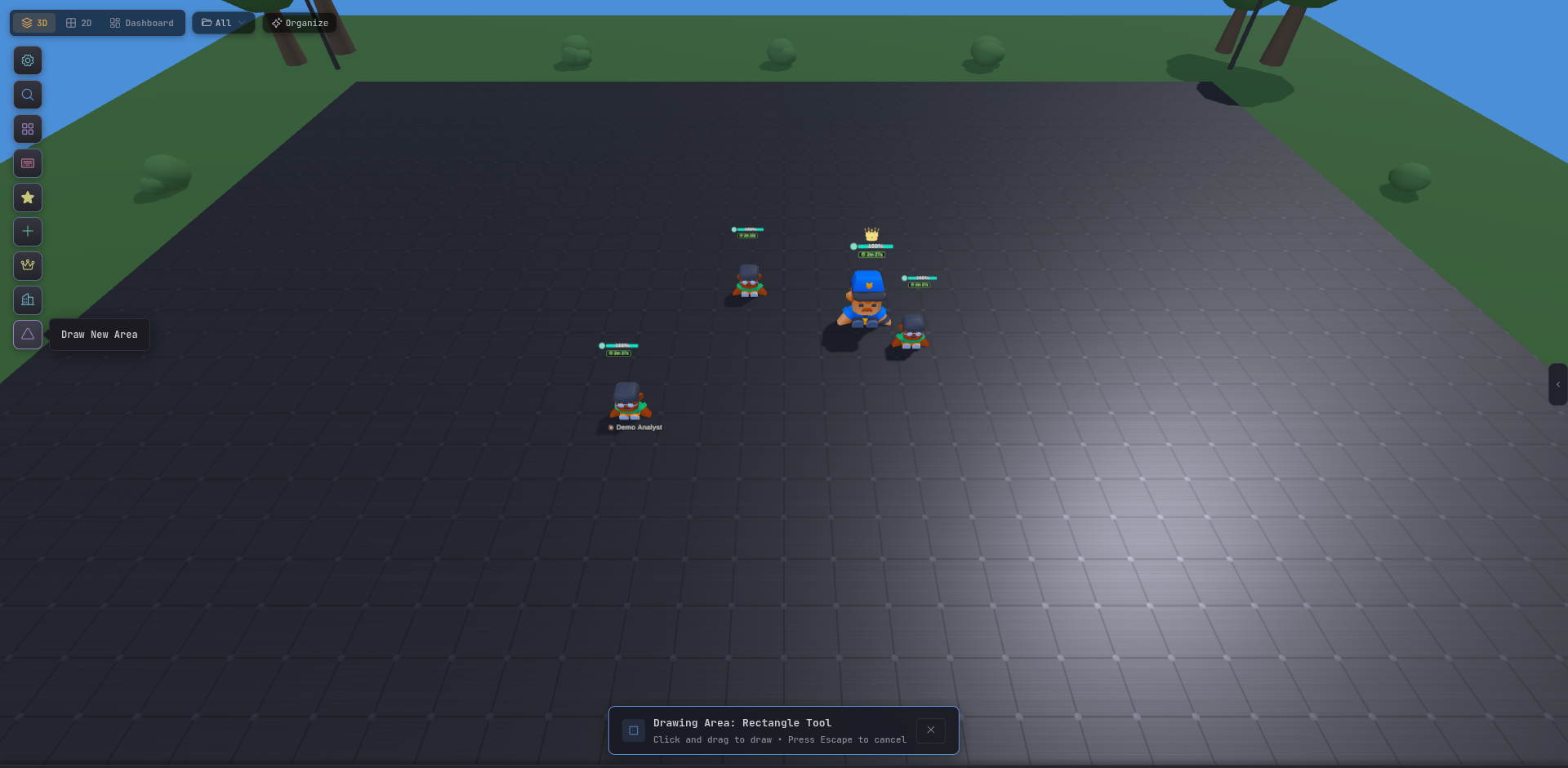
The 3D Battlefield is Tide Commander’s default view. Every agent is a live character, every building is a working integration, and the terrain is a drawable playground you can divide into areas. It looks like a game because the mental model of moving pieces around a map is a good mental model for orchestrating a team.
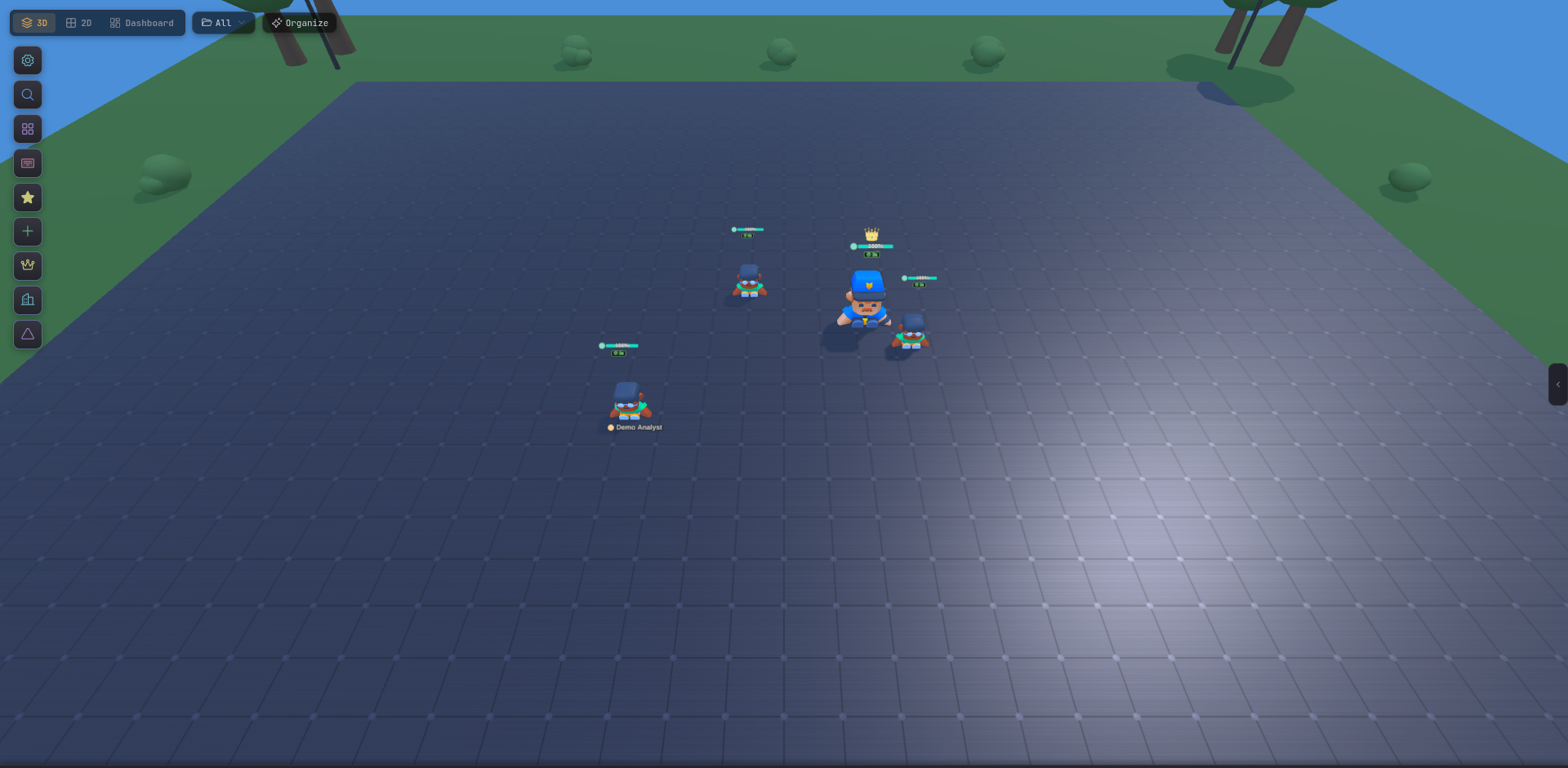
Pick 3D from the top toolbar, or press Alt + 2 repeatedly to cycle through views until you land on it. The 3D view is the boot default.
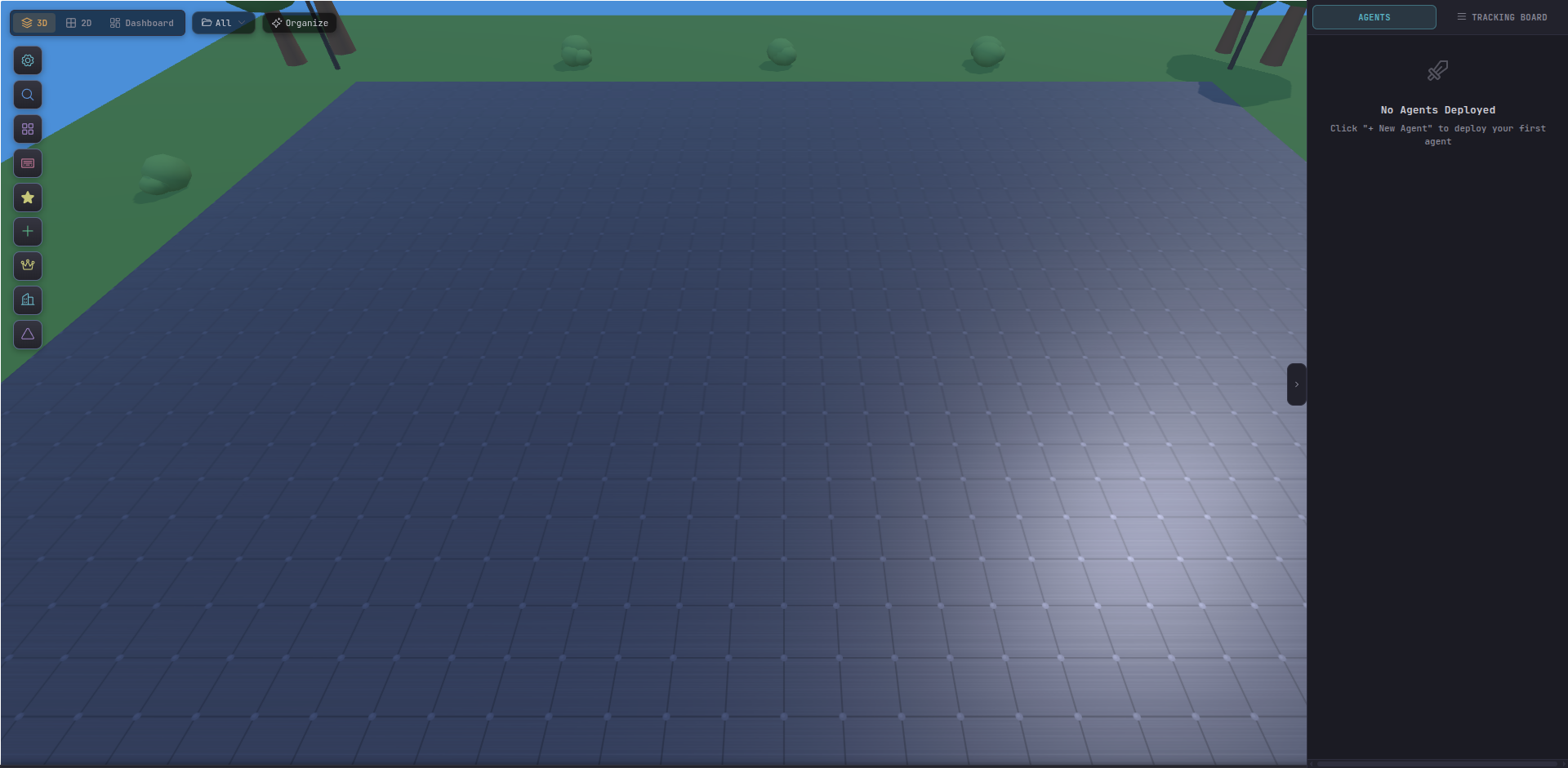
Select & command
Click an agent to select it, right-click the ground to move it, drag-select to group. Typed commands in the inspector are sent straight to the underlying CLI.
Draw areas
Use Draw New Area to rectangle-select a region of the map. Areas group agents visually and can attach a folder for the file explorer.
Place buildings
Add servers, databases, Docker containers, links, and boss nodes. Each one is a live integration — not decoration.
Scene controls
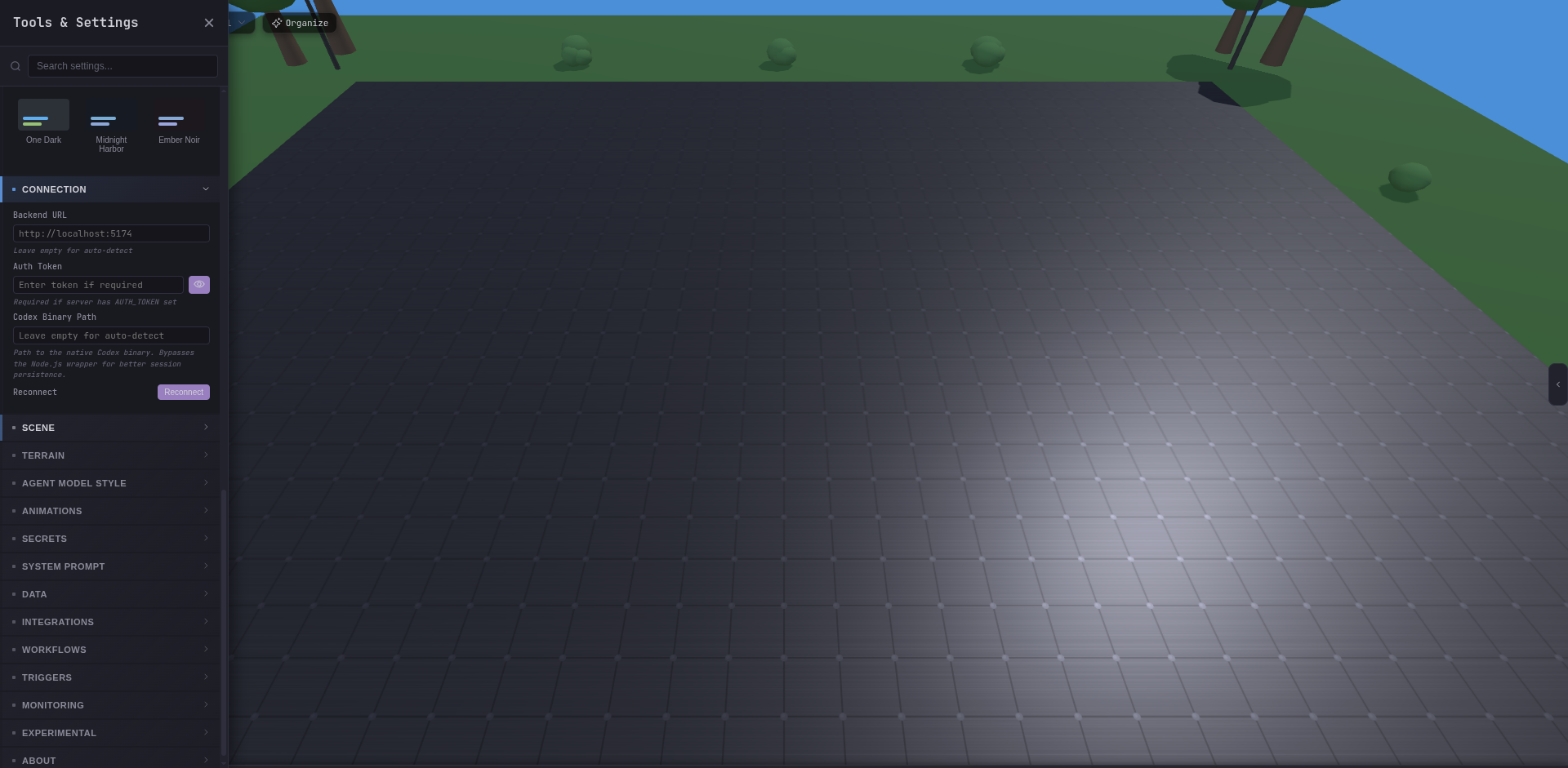
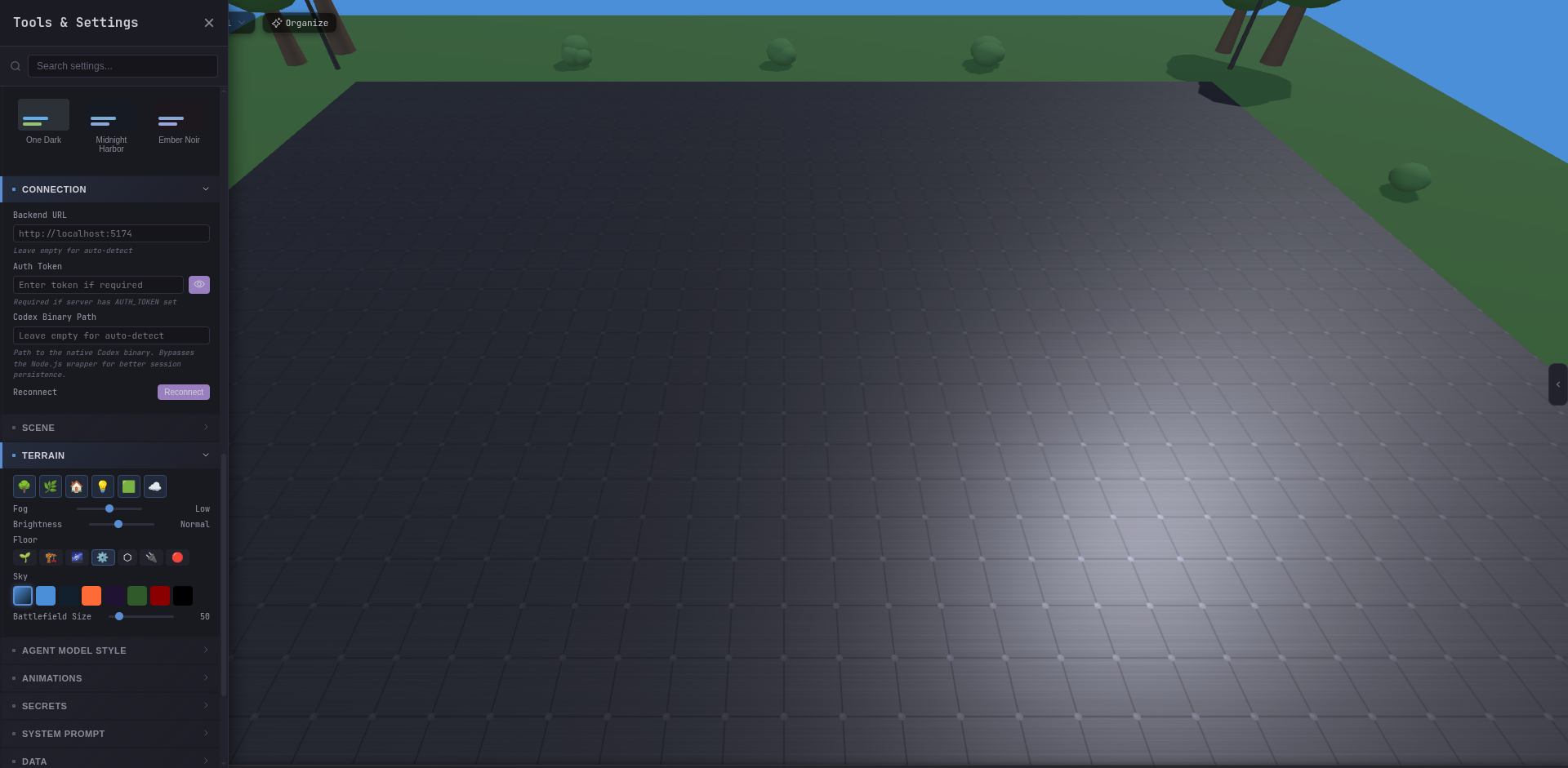
Terrain, lighting, post-processing, fog, and agent-model style are all tunable from Settings → Scene / Terrain / Animations.
The Scene section of Settings is where the 3D view earns its performance budget. Shadow quality, post-processing, terrain tiling, and agent model density all live there.