
Delegation
Delegation is the mechanism by which a Boss agent assigns a task to a subordinate, hands it the right context, and receives a structured completion report when it is done. From your perspective: you write one message to the Boss; it figures out who should handle it and dispatches.
How it works
sequenceDiagram    participant You    participant Boss    participant Sub as Subordinate
    You->>Boss: "Add OAuth to the auth module"    Boss->>Boss: Chooses best subordinate (Builder)    Boss->>Sub: Delegated task message with full context    Sub->>Sub: Works on the task    Sub->>Boss: report-task (summary + status)    Boss->>You: Summary of what was done
Delegation happens in three steps:
-
Dispatch — The Boss emits a structured delegation payload in its reply. Tide Commander parses this and forwards the task to the named subordinate as a new conversation turn. The task message includes who delegated it, the user’s original request, and any contextual notes the Boss added.
-
Execution — The subordinate works normally. It doesn’t know it’s being orchestrated; it just receives a task message with
[DELEGATED TASK from boss "..."]in the header. -
Report — When the subordinate finishes, it calls
POST /api/agents/<id>/report-task. Tide Commander routes this back to the Boss’s context so the Boss can summarise results for you.
What the subordinate receives
A delegated task message looks like this:
[DELEGATED TASK from boss "My Boss" (abc123)]
Add OAuth2 support to the auth module. Use the existingSessionService for token storage. Scope: backend only.
---This task was delegated by your boss agent. When you finish, reportcompletion using:curl -s -X POST http://localhost:5174/api/agents/YOUR_ID/report-task ...
The header and footer are injected by Tide Commander. The body is whatever the Boss wrote.
Parallel delegation
A Boss can delegate to multiple subordinates in a single turn — for example, sending a research task to one agent and a scaffolding task to another simultaneously. The Boss then waits (trackingStatus: waiting-subordinates) until both report back before synthesising a combined result.
Tracking delegation in flight
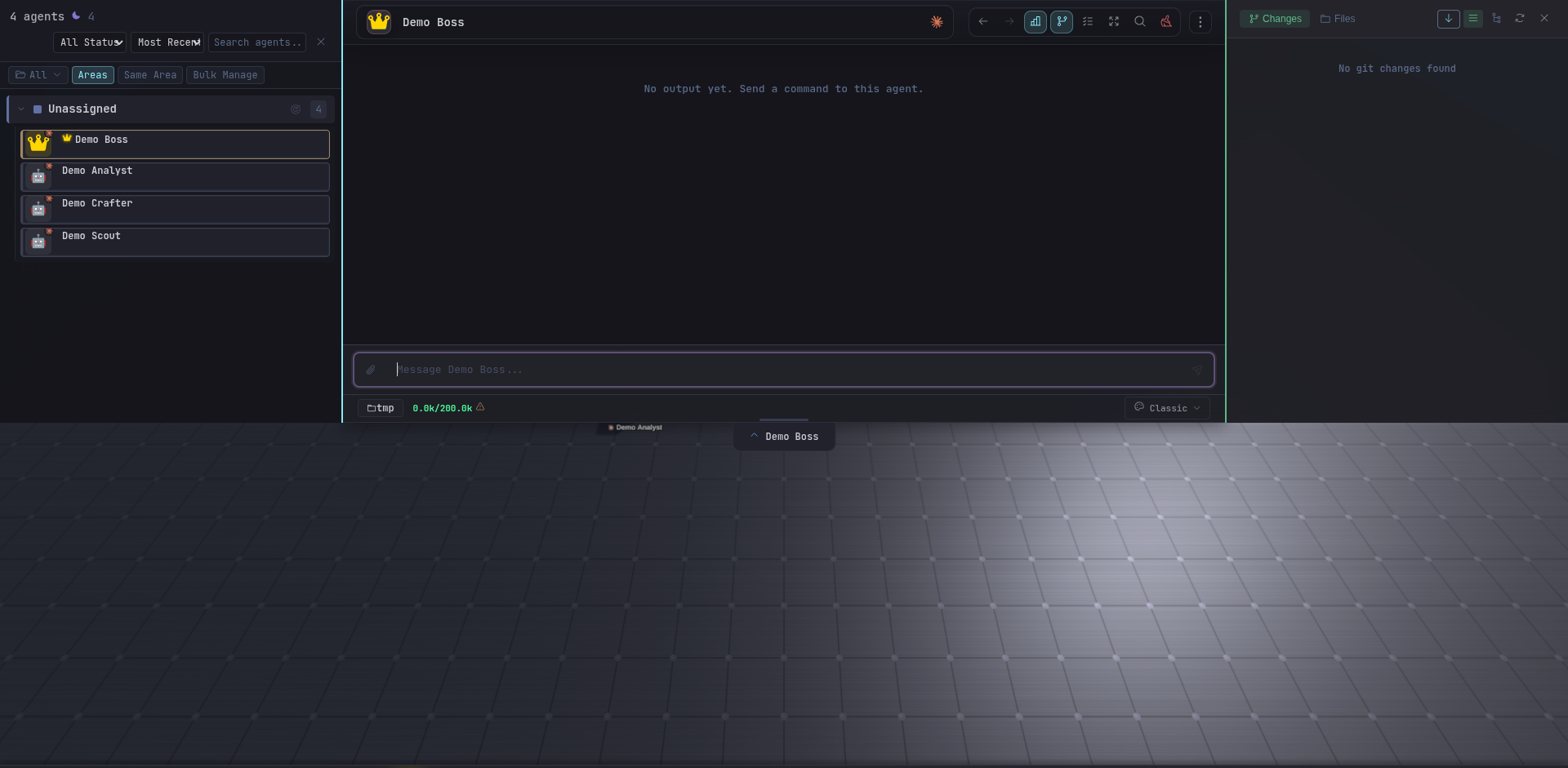
The Boss Inspector’s Team tab shows which subordinates have active tasks, their current status, and when they last reported. You can also see this on the Tracking Board view — each subordinate appears with its tracking status badge.
Work plans
Before delegating, a Boss may emit a work plan — a structured JSON code fence (```work-plan) rendered by the UI as a phased execution plan. This lets you see exactly what the Boss intends to delegate before it dispatches. Work plans are conceptual previews, not binding contracts; the Boss adjusts them based on what subordinates actually report.