
Secrets
Secrets let you store API keys, tokens, and passwords on the server and reference them in agent commands using {{PLACEHOLDER}} syntax. The server resolves placeholders before the text is sent to the CLI — so the real value never appears in conversation history, session files, or logs.
How it works
sequenceDiagram    participant You    participant TC as Tide Commander    participant CLI as Claude CLI
    You->>TC: "Deploy using {{DEPLOY_TOKEN}}"    TC->>TC: Resolve {{DEPLOY_TOKEN}} → actual value    TC->>CLI: "Deploy using eyJhbGci..."    CLI-->>TC: Output (no token visible)    TC-->>You: Output shown in UI
The resolution happens server-side. The token is in memory only for the duration of the substitution.
Placeholder syntax
{{SECRET_KEY}}Keys are uppercase with underscores. Examples:
curl -H "Authorization: Bearer {{GITHUB_TOKEN}}" https://api.github.com/user
deploy.sh --token {{DEPLOY_TOKEN}} --env {{ENV_NAME}}
Where placeholders are resolved
Placeholders are substituted in three places:
| Location | Example |
|---|---|
| Agent commands | Any message you send to an agent |
| Skill instructions | Before skills are injected into the system prompt |
| Streaming exec commands | POST /api/exec requests |
Placeholders in agent replies (things the agent writes back to you) are not resolved — the agent never sees the raw secret value.
Encryption at rest
Secrets are stored in ~/.local/share/tide-commander/secrets.json encrypted with AES-256-GCM using a machine-specific key derived from hardware identifiers. A secrets file from one machine cannot be decrypted on another — plan accordingly when migrating servers.
Managing secrets
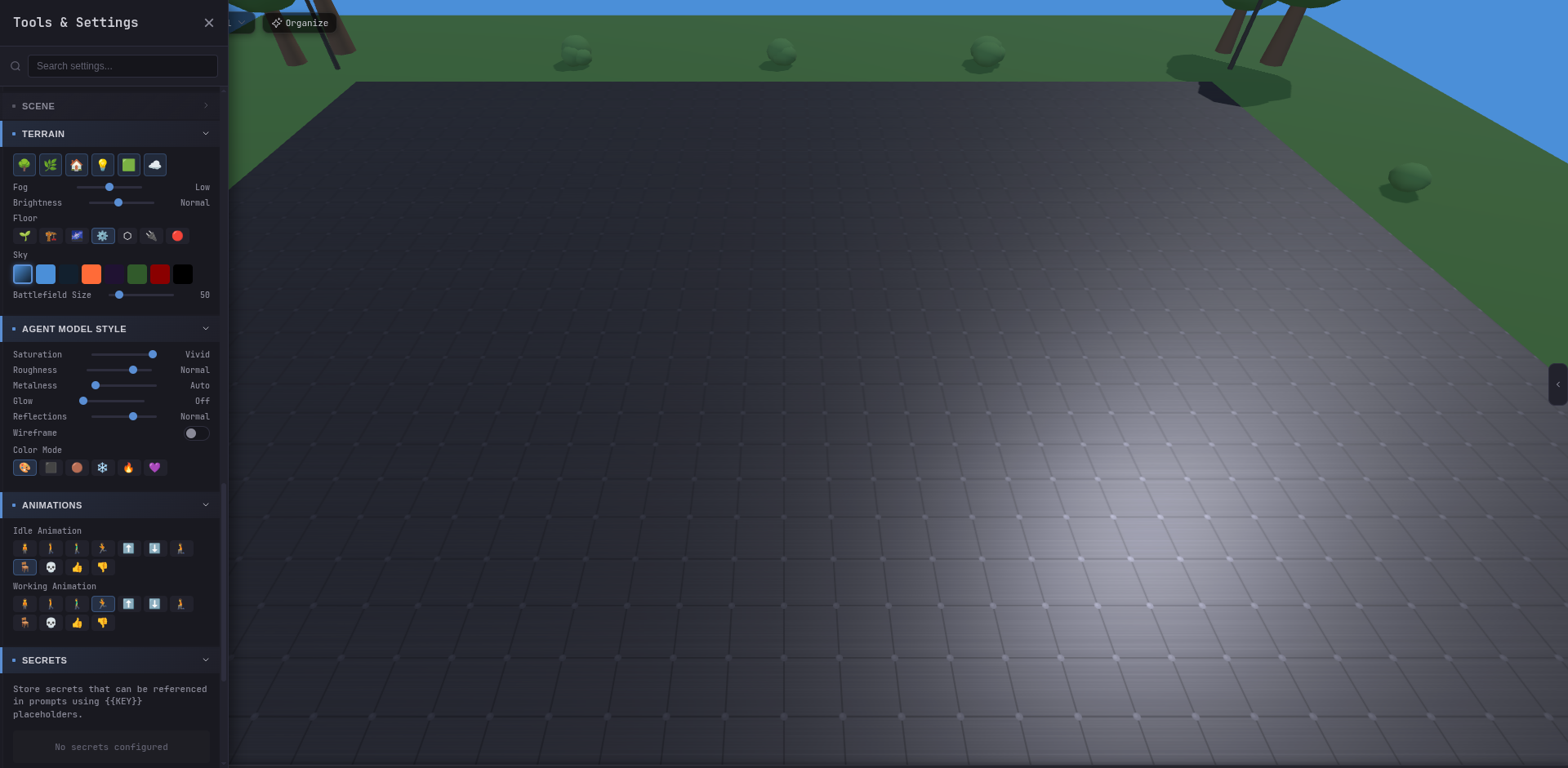
Open Settings → Secrets to create, edit, or delete secrets. Each secret has:
- Name — human-readable label shown in the UI.
- Key — the placeholder identifier, auto-normalised to
UPPER_SNAKE_CASE. - Value — the actual credential (write-only after creation).
- Description — optional notes.
Keys must be unique. Attempting to create two secrets with the same key will fail.