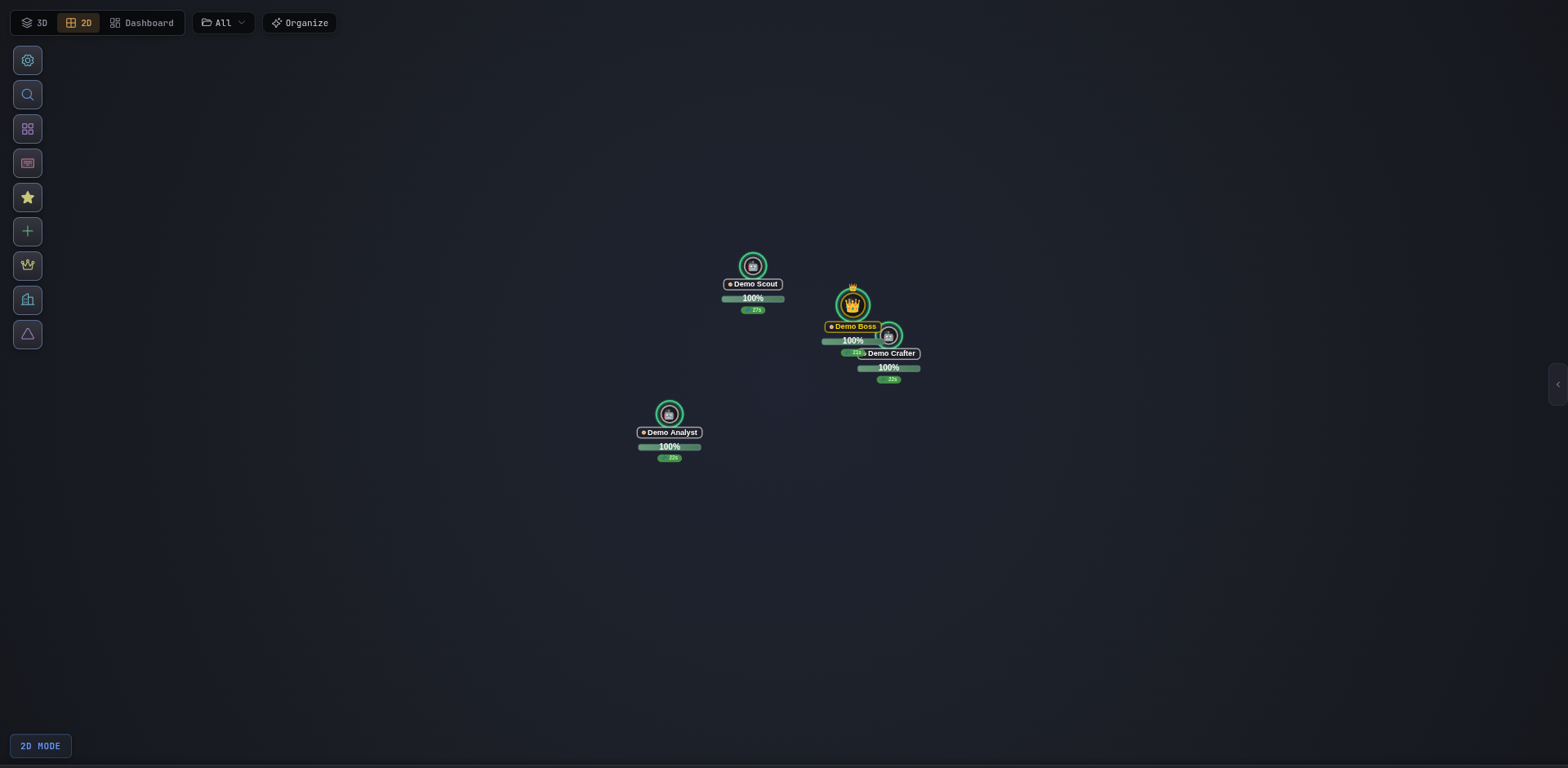
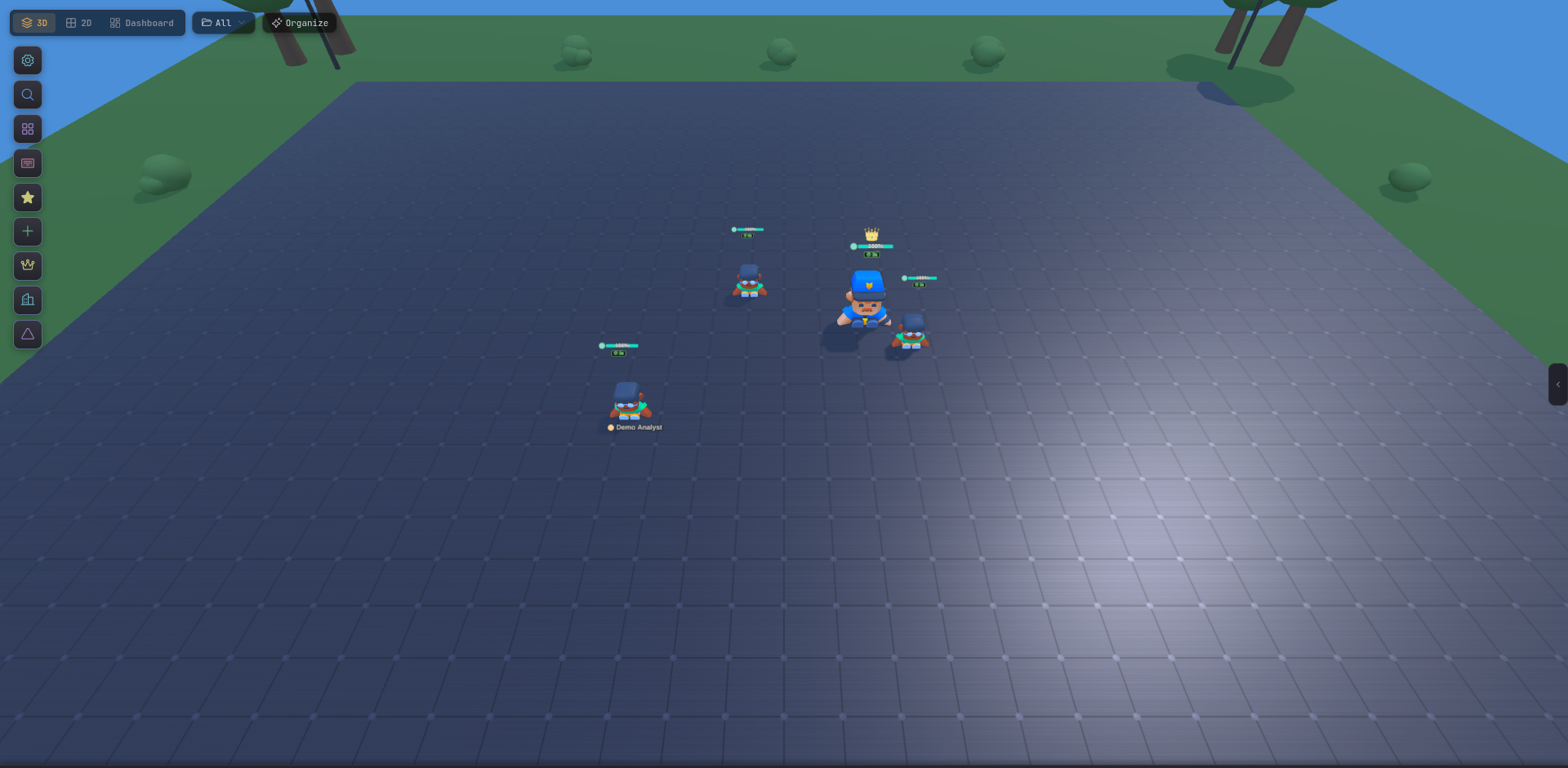
The 2D Canvas is Tide Commander’s alternate battlefield. It shares every behavior with the 3D Battlefield — selection, commands, buildings, areas — but renders in a flat top-down canvas instead of a Three.js scene. If your laptop’s fans spin up the moment you open the 3D view, this is where you live.
How to open it
Click 2D in the top toolbar, or press Alt + 2 to cycle views. The toggle is persistent — Tide Commander remembers your last view on relaunch.
When to use it
Low-power devices
Integrated GPUs, remote-rendered sessions, mobile browsers — anything that doesn’t love shader-heavy Three.js.
Screen shares
Flat renders compress better over video calls and read more cleanly on low-DPI secondary displays.
Dense maps
When you have 20+ agents, the top-down perspective is easier to scan than an isometric camera.
Battery saver
Runs without the post-processing pipeline. Quieter fans, longer battery, same workflow.
What carries over from 3D
Selection — click to select, drag to box-select.
Movement — right-click ground to move the selection.
Buildings — servers, databases, Docker, links, boss nodes render as flat icons in the exact same positions as 3D.
Areas — rectangle regions you drew in 3D appear as outlined zones in 2D.
Spotlight — Ctrl/Cmd + K works everywhere, view-agnostic.
What’s different
No camera tilt — the camera is locked to top-down. Zoom and pan still work.
No scene post-processing — Settings → Scene sliders for bloom, SSAO, and shadows don’t apply here. The Agent Model Style and Animations sections are also ignored.
Tile-aligned icons — agents snap cleanly to the terrain grid, which makes crowded maps easier to read.
Gotchas
Related
3D Battlefield — the default, feature-complete renderer.