
Quickstart
Zero to an AI agent working on real code in under three minutes. This guide assumes you already have at least one supported CLI installed (claude, codex, or opencode).
1. Install and start
bunx tide-commandernpm i -g tide-commander@latesttide-commander startdocker run -p 5174:5174 \ -v ~/.local/share/tide-commander:/root/.local/share/tide-commander \ ghcr.io/deivid11/tide-commander:latestOnce the server is up, open http://localhost:5174 in your browser.
-
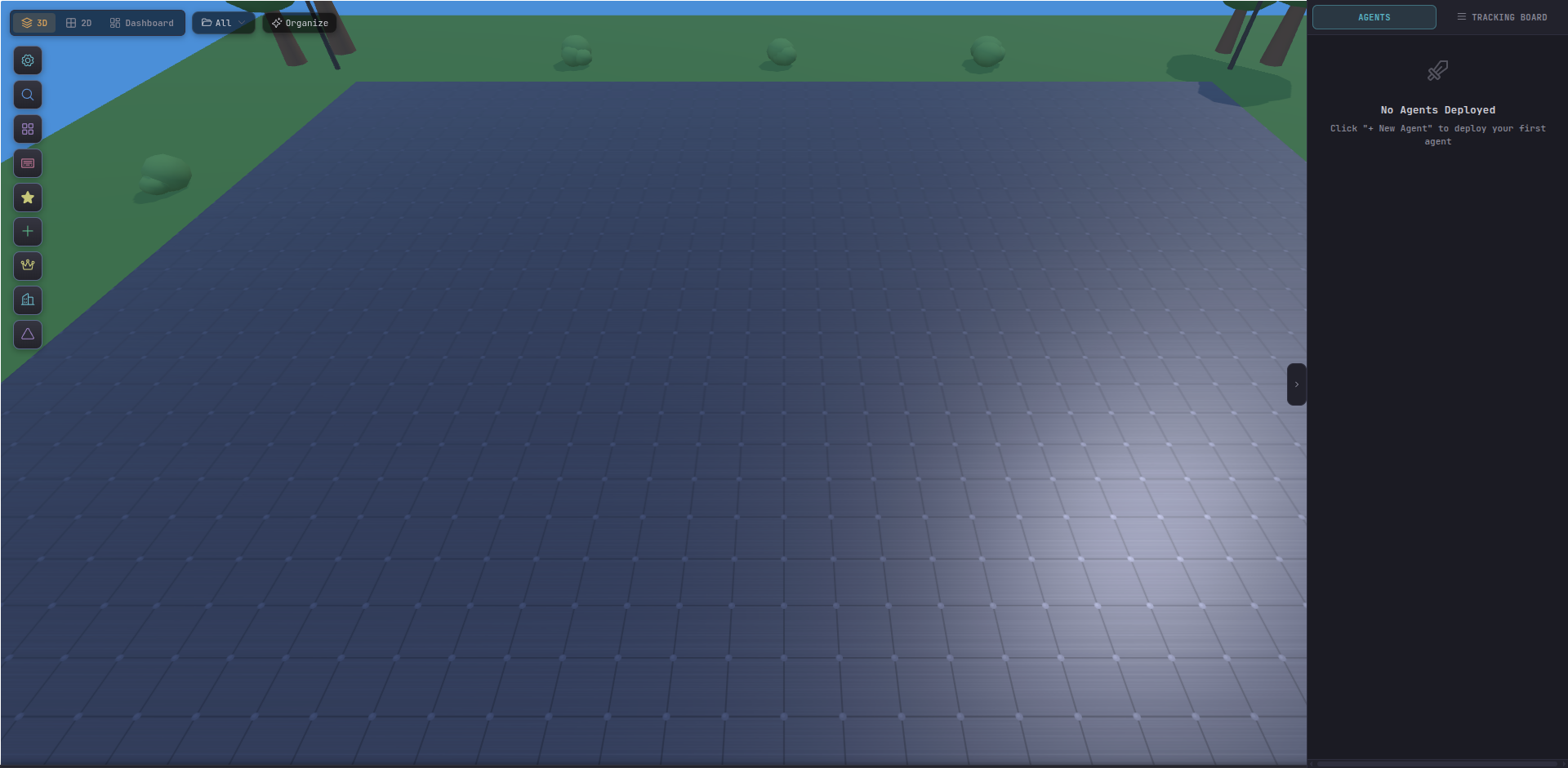
See the empty battlefield
You land on the 3D scene. An empty grid of tiles, a terrain horizon, and an action bar at the top. This is where your agents will appear.
-
Spawn your first agent
Hit Alt + N or click the ➕ New Agent button. The Spawn Agent dialog opens. Pick a name, a working directory, and a class (Scout is a good starting class — lightweight, general-purpose).
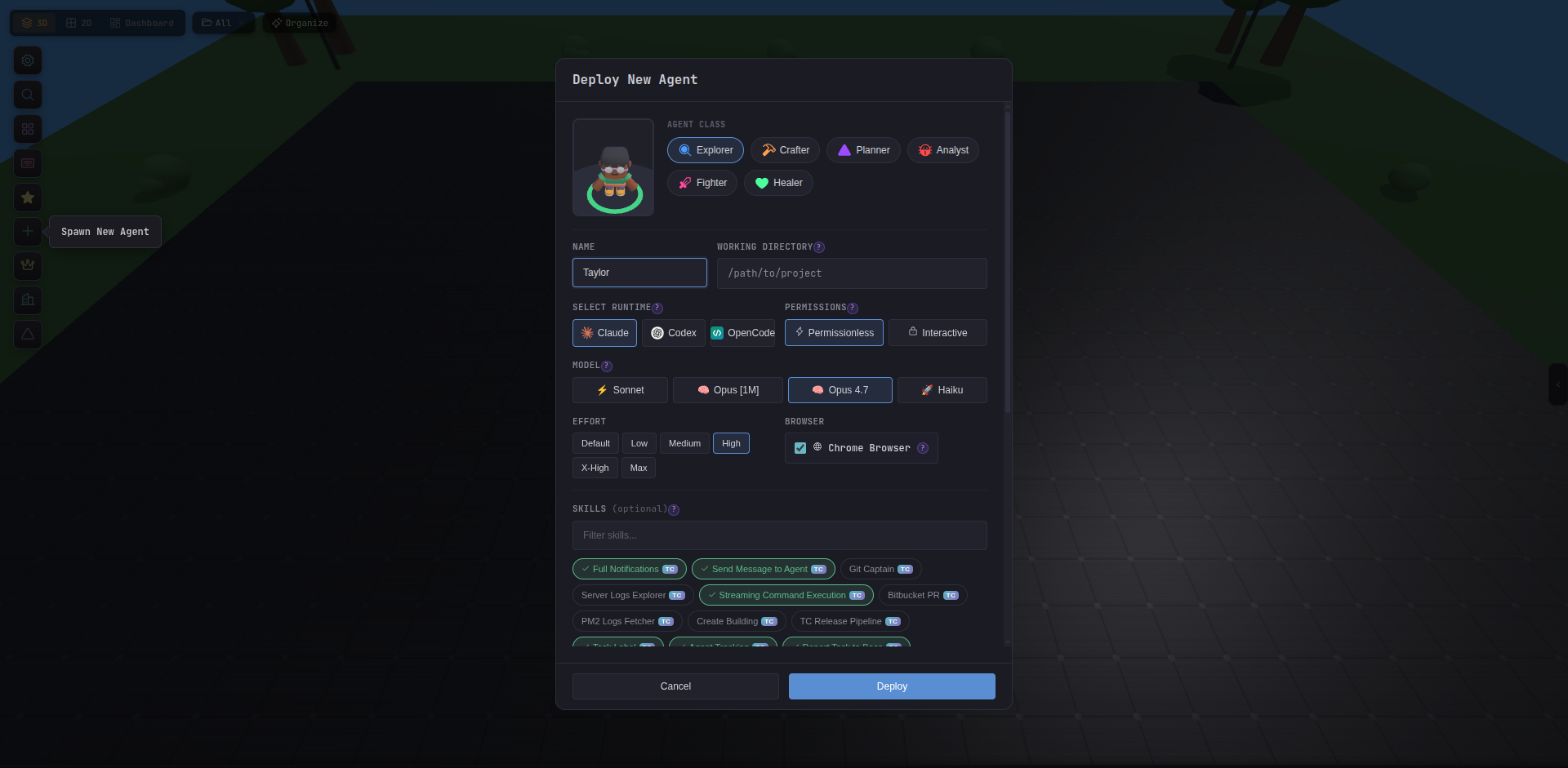
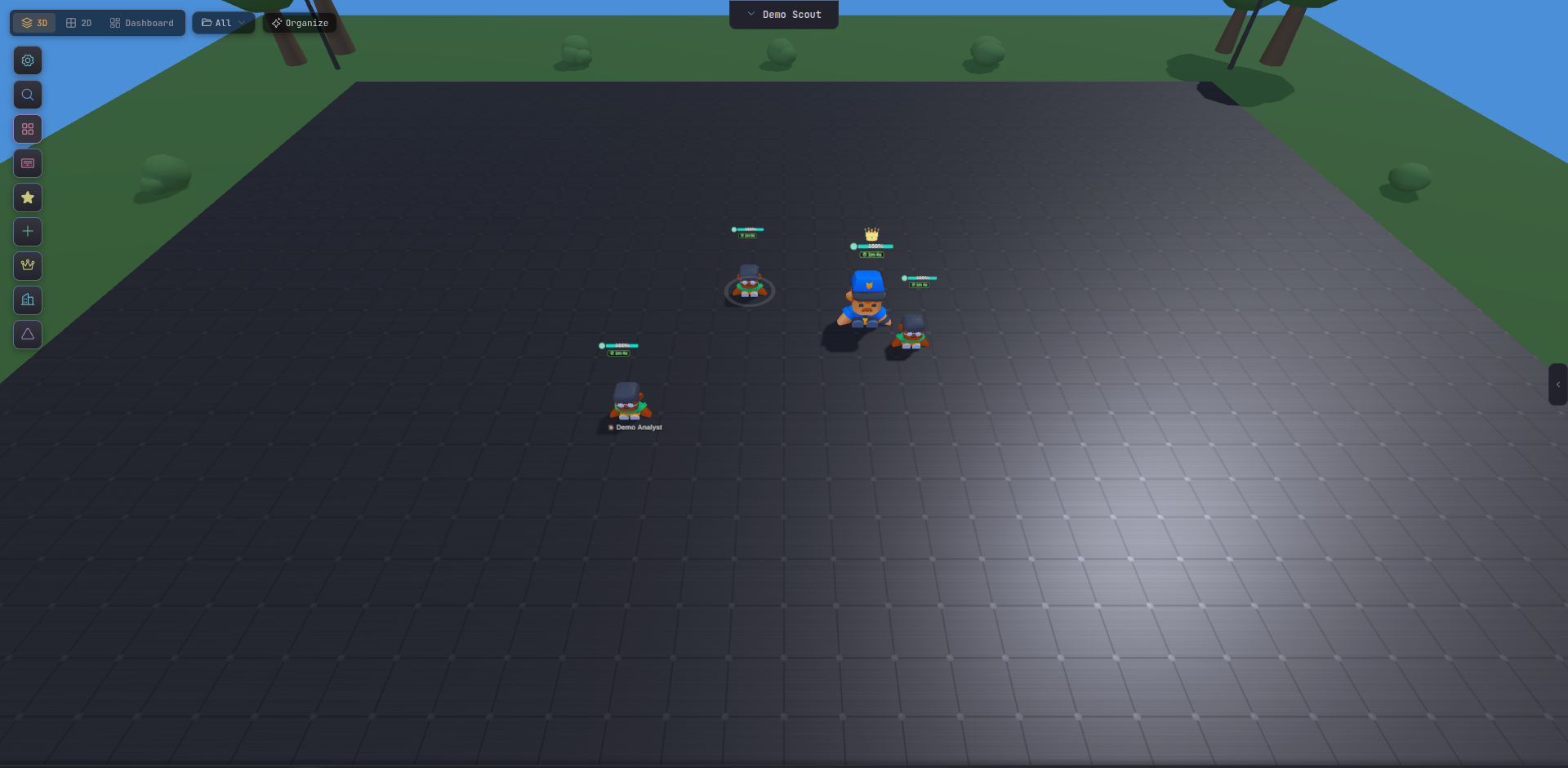
Click Spawn. Tide Commander starts a real CLI process in the background and drops the agent onto the map as a 3D character.
-
Send a command
Click the agent to select it (or press 1 to select the first agent). The command bar at the bottom focuses. Type a task — anything that CLI can handle:
Investigate why the login redirect loops when cookies are disabled.Start by reading src/auth and give me a summary.Hit Enter. The agent gets to work.
-
Watch it work
Open the right panel (Alt + R) to see the live activity feed: tool calls, file edits, text output. Click on a file the agent touches to see the diff inline — no IDE needed.
-
Spawn a second agent
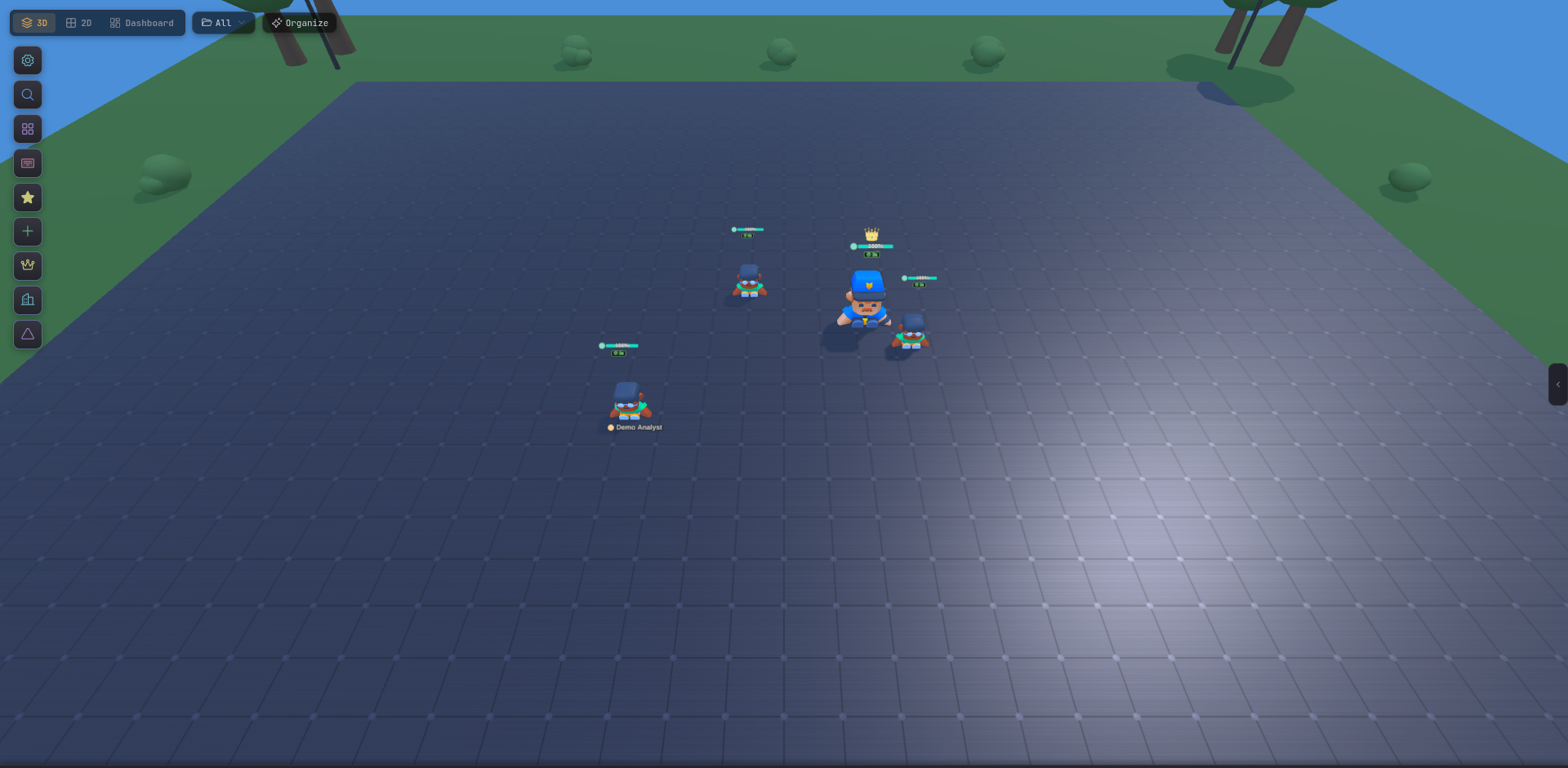
Repeat step 2 with a different working directory or a different class. You now have two agents working in parallel. Use 1/2 to switch between them, or Ctrl + K to spotlight-search by name.
You’re off
From here, the three things most users do next: